Top ManageEngine Alternatives & Competitors (2026 Guide)

ManageEngine may have worked well at the start. It gave your IT team visibility, faster control, and quick setup wins.
But growth changes everything. New regions, tighter security rules, audit pressure, and layered modules can turn a simple setup into a complex stack. Integrations become projects. Reports become manual. Costs become harder to predict. And when you start pricing out upgrades, the module-by-module licensing model makes it hard to know what you’ll actually pay.
The risk is real, too. IBM reports that the average cost of a data breach in highly regulated industries exceeds $5.4 million. So audit readiness and control are no longer optional.
If your current setup feels stretched, it may be time to look beyond patchwork fixes. In this guide, you’ll explore five modern IT platforms built for scale, compliance, and operational clarity.
What are the main limitations of ManageEngine?
ManageEngine’s primary limitations for growing IT teams are its modular pricing model (separate tools for ITSM, ITAM, and network monitoring that must be integrated manually), an aging interface that slows technician productivity, and limited support responsiveness at scale. These gaps drive organizations toward unified alternatives.
ManageEngine at a glance: What it does and its main features
ManageEngine is an IT management software suite from Zoho that helps organizations monitor, manage, and secure their IT infrastructure and services. It offers a broad set of tools for IT service management, network monitoring, endpoint control, identity security, and compliance operations, all designed to improve visibility and operational efficiency.
Rather than a single platform, ManageEngine provides multiple modules that teams can adopt based on their needs. This modular model supports growing IT environments, though many organizations end up combining several products to cover service, security, and operations requirements.
Key features include:
- IT Service Management (ITSM): Ticketing, incident, problem, and change management with workflow automation and SLA tracking.
- Asset Management: Automatic discovery and lifecycle tracking of hardware and software assets across the network.
- Network Monitoring: Real-time monitoring of network devices, bandwidth, and performance with alerts and diagnostics.
- Endpoint Management: Centralized control of desktops, laptops, and mobile devices, including configuration and policy enforcement.
- Patch Management: Automated patch detection, testing, and deployment for operating systems and third-party applications.
- Identity & Access Management: User provisioning, access control, and role-based permissions across systems.
- Log Management & SIEM: Centralized log collection, correlation, and threat detection for security and audit needs.
Why consider alternatives to ManageEngine?
ManageEngine feels attractive because it offers many features at the entry level.
Also, its starting price looks competitive. However, many mid-sized companies later outgrow it. This happens because of a few key gaps.
Key limitations
- Integration challenges: Next, you face limits with customization. You cannot easily shape the tool to fit complex needs. Also, integrations stay limited as your environment grows. Because of this, you spend more time fixing gaps by hand.
- Outdated user interface: An old-fashioned interface that slows technician productivity
- Support concerns: Inadequate technical support with slow response times and scripted responses
Key factors when comparing ManageEngine alternatives
When evaluating alternatives, assess platforms across these dimensions, project management alignment, and operational fit:
- Feature breadth and integration: Unified platform vs. specialized tools
- Pricing transparency: Clear pricing without hidden module costs
- Compliance capabilities: Automated reporting and audit trail generation
- Support quality: Response times and dedicated account management
Top 5 ManageEngine alternatives in 2026
1. Virima – Unified IT asset management with compliance at the core
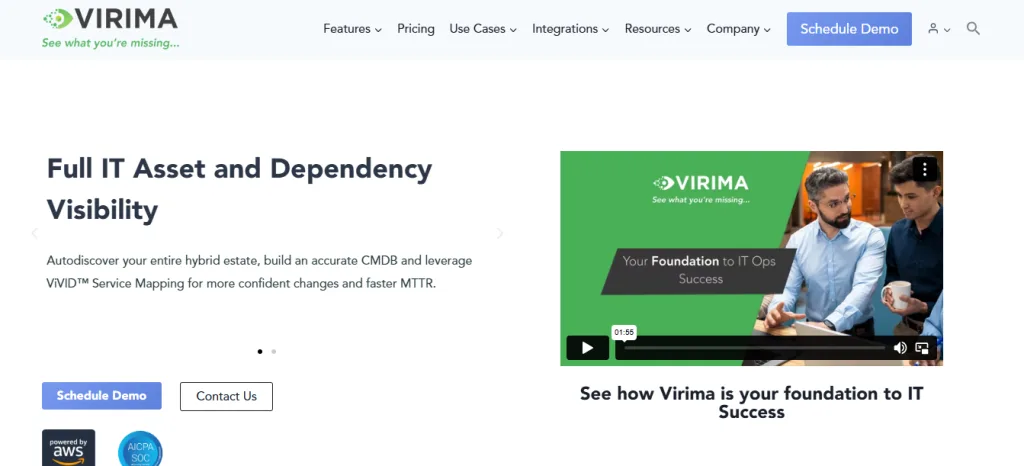
Virima is an IT management software platform that unifies ITAM, ITSM, and IT operations in a single solution. It is available as Enterprise and as Business Pro for growing IT teams.
Unlike ManageEngine’s split module setup, Virima provides one integrated platform, helping you scale with less patchwork and fewer gaps. It supports growing teams and large organizations with strict compliance needs.
Virima reduces the need for multiple tools through automated discovery, a Configuration Management Database (CMDB) with ViVID™ service mapping, and built-in compliance support, giving clear data with less manual effort.
If you are moving away from ManageEngine, Virima offers enterprise-ready features without surprise costs as you grow, and helps you avoid complex integration projects that slow teams down. Business Pro packages that full discovery, CMDB, ViVID™ service mapping, and ITAM stack for growing IT estates. See Business Pro.
Key features of Virima
Automated discovery and high-frequency CMDB
Virima automatically finds your assets across on-premises and cloud systems, supporting modern endpoint management across environments.
You can choose agentless or agent-based discovery. So, you do not need to track assets by hand. This saves you time and reduces errors.
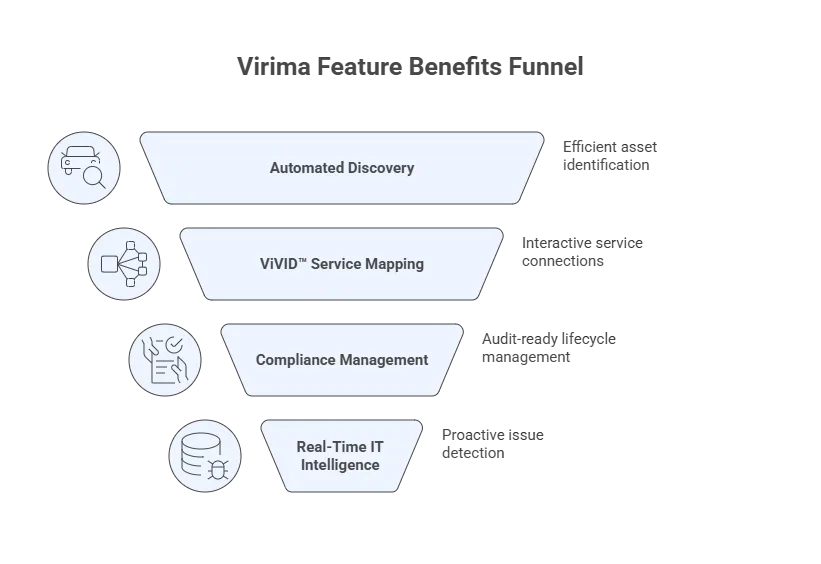
ViVID™ service mapping
You get interactive maps that show how everything connects. These maps link apps, assets, and services clearly. So, you can spot issues faster during incidents and improve incident management outcomes. You also see the change impact before problems spread.
Compliance-focused lifecycle management
Virima tracks your assets from purchase to disposal. So, you always know where each
asset sits in its lifecycle. It also creates audit-ready reports for GDPR, HIPAA, and SOC 2. Because of this, you stay prepared for reviews without extra effort.
Actionable IT intelligence, refreshed by discovery
Virima gives you insights you can act on quickly. You can see how well your assets are being used. You can also spot underused resources. So, you can fix waste and catch issues before they cause downtime.
Customer review
‘We use VIRIMA as our CMDB software; we use it to gather information from all our network devices such as Servers, Desktops, laptops, etc. This software is an excellent addition for anyone looking for a robust and capable software for both ITSM and ITAM’.
‘Virima is stable and user-friendly; I like the admin tool, CMDB, and reporting’.
Pros
- Exceptional customer service with a responsive support team
- In-depth reporting, dashboards, and KPI capabilities
- Reasonable pricing compared to enterprise competitors
- Strong partnership approach with dedicated implementation support
- Maintains CI dependencies and interdependencies automatically
Cons
- Browser-based management includes an interface that takes an initial adjustment period
- Smaller market presence compared to major vendors
- May require configuration during the rollout phase
Why Virima stands out over ManageEngine
Virima addresses ManageEngine’s key weak spots with one unified platform instead of multiple separate modules, helping you avoid a patchwork setup that becomes hard to manage.
With ManageEngine, teams often add extra tools for ITAM, ITSM, and compliance. Virima includes these from the start, reducing the need to connect multiple systems.
Virima’s automated discovery reduces manual inventory work and avoids slow scans, giving faster and cleaner data.
For regulated industries, Virima provides compliance reports and risk views beyond basic tracking, helping you stay audit-ready without extra tools.
Virima also offers clearer pricing and stronger support, helping you avoid surprise costs and slow, scripted responses. Business Pro is scoped with your team rather than a self-serve SKU list in this guide.
For a detailed breakdown of how the two platforms compare across CMDB freshness, discovery depth, service mapping, and audit readiness, see the full Virima vs ManageEngine ServiceDesk Plus comparison.
2.ServiceNow –Enterprise-scale IT management powerhouse
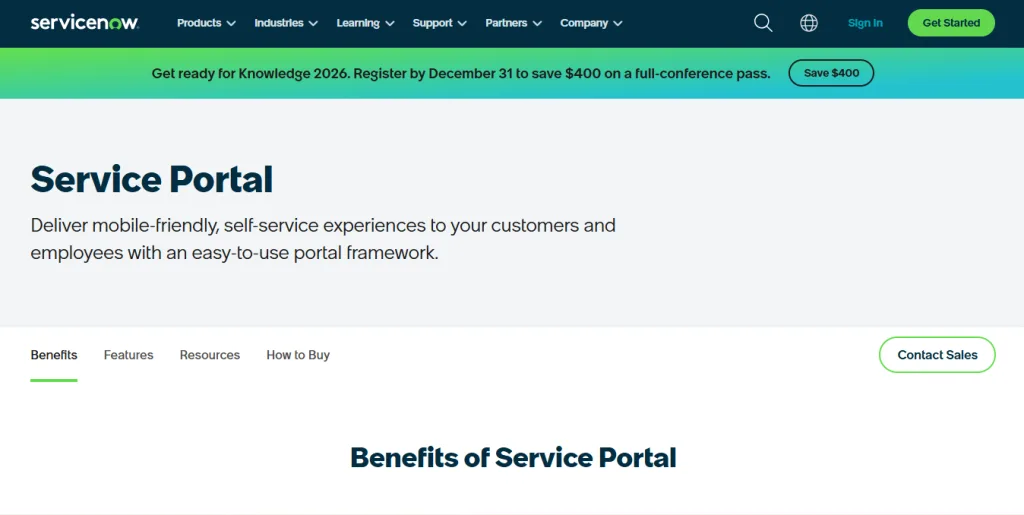
ServiceNow is a cloud platform built for large enterprises with broad management offerings across ITSM, ITOM, and ITAM.
You can use it for ITSM, ITOM, and ITAM in one place. Also, you can customize it deeply for complex IT needs. So, you can automate workflows across many teams.
Gartner has named ServiceNow a Leader in its Magic Quadrant for AI Applications in IT Service Management. So, if you need enterprise scale and high flexibility, ServiceNow can fit. However, you should expect a premium-tier platform with more setup effort.
Key features of ServiceNow
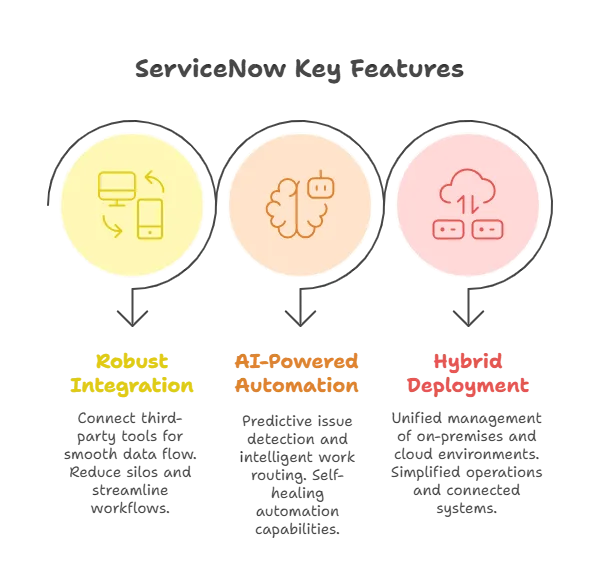
Broad integration ecosystem
You can connect the platform with many third-party tools. It also links easily to large enterprise systems. Because of this, your tools can share data smoothly. So, you avoid silos, streamline workflows, and reduce manual work.
AI-powered automation
You get smart AI and machine learning features. These tools help predict issues before they cause trouble. They also route work to the right teams automatically. In some cases, they fix problems on their own.
Hybrid deployment support
You use a cloud-first platform built for modern IT. It works well in hybrid environments. So, you can manage on-premises and cloud systems together. This keeps your operations simple and connected.
Customer review
‘I have had an overwhelmingly positive experience with ServiceNow, having used it almost continuously across various organizations. We primarily utilize it as an ITSM tool for managing all aspects of ticketing, both internal and external customer tickets’.
‘The platform is generally more responsive and frictionless than other platforms I have used. At its core, it allows me to do my job effectively without being overburdened by dealing with a complex ticketing system’.
Pros
- Industry-leading feature set with continuous innovation
- Exceptional integration capabilities with enterprise ecosystems
- Advanced AI and automation capabilities surpassing competitors
- Proven scalability for global enterprise deployments
Cons
- Significantly higher costs than ManageEngine and mid-market alternatives
- Lengthy implementation timelines require dedicated resources
- Complexity requires specialized administrators and ongoing training
Why ServiceNow stands out over ManageEngine
ServiceNow goes beyond ManageEngine because it is built for large enterprise needs. It scales without hard limits and offers AI-driven automation that reduces manual work.
ManageEngine can be harder to integrate as toolsets grow. In contrast, ServiceNow supports broad integrations through extensive APIs, helping you connect systems with less custom scripting and more structured workflows.
If ManageEngine limits growth, ServiceNow can support long-term, global operations. However, it typically comes with higher costs for licensing, implementation, and ongoing administration, so you need the budget and the right team to run it well.
3. Freshservice – User-friendly ITSM for growing teams
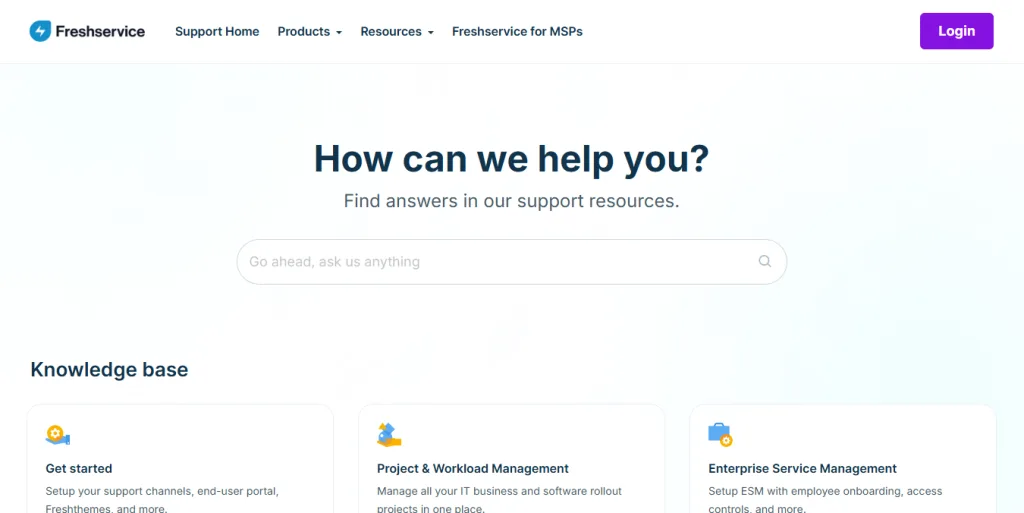
Freshservice is a cloud-based IT service tool with a clean, modern design. You can set it up fast and start using it quickly. It fits best if you run a small or mid-sized IT team. So, you get solid ITSM features without heavy enterprise complexity.
Freshservice also fixes many user experience issues you may face with ManageEngine. You work in a simpler interface that needs little training.
According to Gartner, tools with modern UX reduce IT technician onboarding time by up to 30%, accelerating time-to-value for growing teams.
Because of that, your team learns it faster and makes fewer mistakes. And you can often go live in days, not months.
Key features of Freshservice
Intuitive user interface
You get a modern and friendly design that feels easy to use. So, your team needs very little training. This is a big change from older, legacy tools. As a result, people adopt it faster.
Rapid cloud deployment
You can set it up very quickly. Most teams go live in just a few days. This is much faster than tools that take months. So, you see value almost right away.
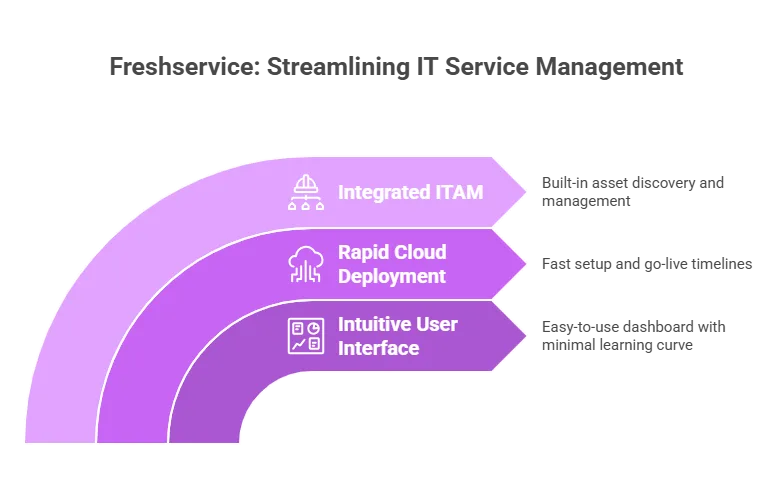
Integrated ITAM
You get built-in asset management in IT platform from day one. Discovery works without adding extra modules. So, you avoid buying and managing separate tools. This keeps your setup simple.
Customer Review
‘Freshworks has been our ITSM platform for 3 years, and the entire time has been a dream. They have enabled every vision we’ve had, and given us direction when we were trying to find out the best way forward with ITIL-based practices, without being rigid’.
‘Freshservice is amazing and very user-friendly and intuitive. There are a few items that I would suggest finishing up, as sometimes it seems that the product is not fully developed. I would say it is about 95% of the way there, but there are a lot of tiny nuances’.
Pros
- Exceptionally easy to learn and use, with minimal training required
- Quick deployment enables rapid time-to-value
- Transparent, predictable pricing without hidden module costs
- Strong self-service portal reduces IT workload
Cons
- Limited advanced customization for complex enterprise workflows
- May lack depth for highly specialized ITSM requirements
- Some advanced features require higher-tier plans
Why Freshservice stands out over ManageEngine
Freshservice addresses two common pain points with ManageEngine. It offers a modern interface that’s easy to use, so technicians can learn it quickly.
ManageEngine often requires more setup and longer rollouts. Freshservice can go live faster with ready-made workflows, reducing time spent configuring basics.
Pricing is typically clearer as you scale, helping you avoid surprise costs and plan budgets with more confidence.
If ManageEngine feels too complex, Freshservice can be a strong alternative that improves user experience quickly and delivers value sooner with happier end users.
4. Jira Service Management – DevOps-integrated ITSM
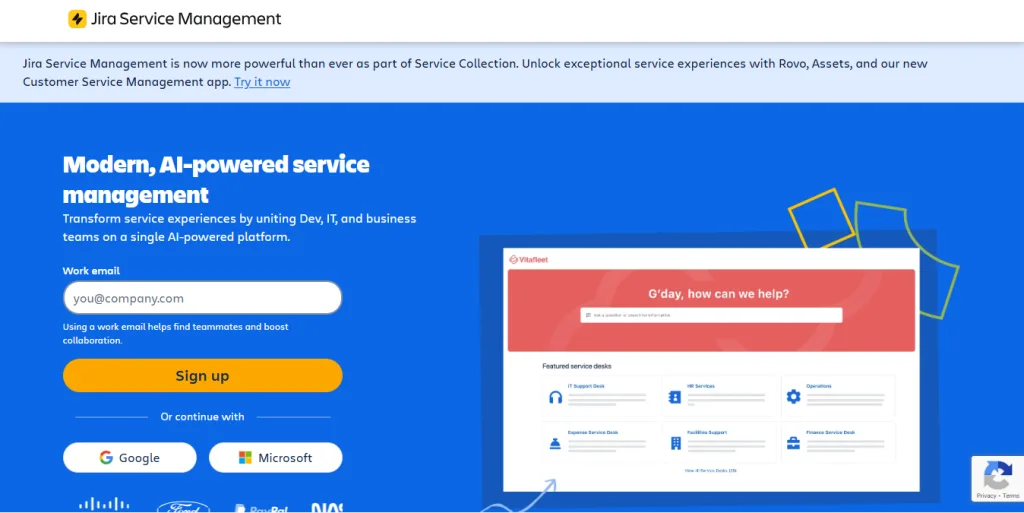
Jira Service Management is Atlassian’s IT service platform. It helps IT teams work closely with development teams and is built on Jira, which many developers already use.
If you already use Jira Software, Confluence, or Bitbucket, it fits naturally into the Atlassian ecosystem and reduces the “standalone tool” gaps you may face with ManageEngine.
It works best when IT and development collaborate often. For example, you can link service tickets to code changes and track work across teams in one flow, helping resolve issues faster with less back-and-forth.
Key features of Jira Service Management
Native DevOps integration
You get a smooth connection with Jira Software and Bitbucket. It also links with many other development tools. So, incidents and changes stay in one shared flow. This helps IT and dev teams work as one.
Atlassian research shows that high-performing DevOps teams resolve incidents up to 2× faster when ITSM and development workflows are connected.
Incident and problem management
You get ITIL-aligned processes built into the platform. Automation helps move work along without delays. You can also track SLAs clearly. So, you know if your team meets service goals.
Asset and configuration management
You can track IT assets in one place. The system shows how assets link to services and incidents. So, you see the full picture during issues. This helps you resolve problems faster.
Knowledge management
It works closely with Confluence for documentation. You can share knowledge without switching tools. So, your team finds answers faster. This keeps work moving smoothly.
Customer review
‘We use Jira Service Management to manage our IT service requests and delivery, and it has given us a productive experience, allowing us to achieve our goals in streamlining our service operations.’
‘Jira Service Management works well to provide an integrated experience to users and technicians. It presents well as a whole package – ITSM tool, end user facing support site/resources, knowledge base management, it all fits together in a logical and useful way’.
Pros
- Exceptional integration with Atlassian ecosystem and DevOps tools
- Ease of use for both IT and non-IT teams
- Powerful automation capabilities without coding
- Familiar interface for organizations already using Jira
Cons
- The licensing model requires purchasing in larger batches rather than individual licenses
- May lack depth in traditional ITAM compared to specialized platforms
- Learning curve for organizations unfamiliar with the Jira interface
Why Jira Service Management stands out over ManageEngine
Jira Service Management is strong where ManageEngine often struggles. It connects with modern tools and workflows with less effort, so you spend less time on setup and more time on real work.
ManageEngine can take heavy configuration to link with dev tools. In contrast, Jira Service Management supports the software lifecycle by default, so you can tie change work directly to code deployments. This makes change management faster and easier to track.
It also offers a more modern interface than ManageEngine, reducing clicks and friction for daily work.
5. SolarWinds – Network monitoring and IT management excellence
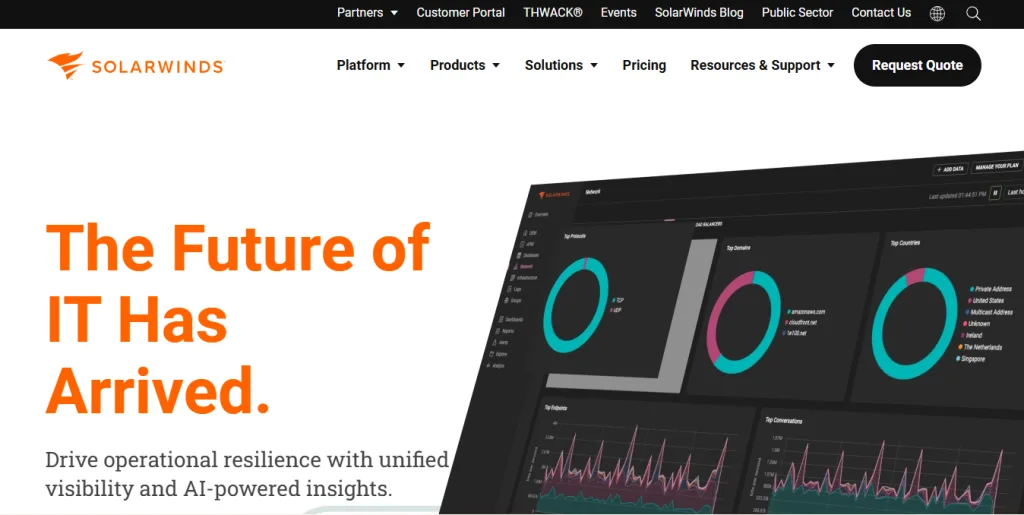
SolarWinds offers a strong set of tools for network monitoring and IT management, with a focus on infrastructure teams. While ManageEngine treats network monitoring as one module, SolarWinds prioritizes it, giving deeper visibility into network health.
If network monitoring is your top need, SolarWinds can be a good fit—especially if OpManager feels limiting. You get more detail across network devices and links, helping you detect issues faster and fix them with confidence.
Key features of SolarWinds
Infrastructure discovery
You get automated discovery of your network devices. The platform also maps your network layout for you. It shows how systems depend on each other. So, you can understand the impact faster during issues.
Application performance monitoring
You can monitor how your applications perform at all times. The platform tracks dependencies across different environments. So, you can see how systems affect each other. This helps you fix issues faster.
Log management
Centralized log collection, analysis, and correlation for troubleshooting
Customer review
‘Overall, good. Minor set-up challenges and workflows used internally and for customers.
Overall, it is a good ITSM for the fact that it keeps things straight and simple. The organization’s efficiency is affected positively in resolving IT problems. We have created customized portals for various problems that cater to our business-specific and regional needs.’
Pros
- Industry-leading network monitoring capabilities
- Comprehensive multi-vendor device support
- Powerful customization for alerts and dashboards
- Strong infrastructure discovery and mapping
Cons
- Pricing can escalate for large deployments
- Initial configuration complexity for advanced features
- ITSM capabilities less mature than network monitoring
Why SolarWinds stands out over ManageEngine
SolarWinds focuses on network monitoring, where OpManager can feel limited. You often get deeper data and faster views with SolarWinds. Also, you can track real-time metrics and set smarter alerts. So, you spot issues early and act quickly.
ManageEngine OpManager can run slow scans and offer fewer tuning options. In contrast, SolarWinds gives you more detailed visibility and control.
It also supports many vendors well, which helps in mixed networks. As a result, you can map topology and analyze performance with more confidence.
How to choose the right ManageEngine alternative
Selecting the optimal ManageEngine alternative depends on your organization’s specific requirements, environment, and priorities:
| Choose this platform | If this fits your needs |
| Virima | If you need ITAM, ITSM, and compliance in one platform. You work in a regulated industry. You want clear pricing and strong compliance support. Business Pro fits growing teams that want enterprise capability without forcing an Enterprise footprint. |
| ServiceNow | You run a large enterprise, need deep customization, and unlimited scale. You can invest more in setup and licenses. |
| Freshservice | If you want an easy tool that works fast. You have a small or mid-sized team. You prefer a simple setup and clear pricing. |
| Jira Service Management | Already a user of Atlassian tools. You follow DevOps practices. You need IT and development teams to work closely. |
| SolarWinds | Network monitoring is your main focus. You need deep visibility into infrastructure. You want stronger network insights than ITSM tools offer. |
Making the switch: Key considerations
When migrating from ManageEngine to an alternative platform, consider these critical factors:
Data migration planning
Ensure your chosen alternative provides migration tools or services to transfer asset data, service records, and historical information without loss.
Integration requirements
Evaluate how the new platform connects with your existing tools: Active directory, monitoring systems, cloud platforms, and security tools.
Compliance continuity
For regulated industries, ensure the transition maintains audit trails and compliance reporting without gaps.
Which ManageEngine Alternative Fits Your Environment?
ManageEngine works well for many teams at the start, but growth can expose limits in scale, integrations, ease of use, and compliance support. Because of this, many IT leaders explore other options that address these gaps in different ways.
For mid-size and large companies, Virima stands out by offering ITAM and ITSM in one platform with stronger compliance support and clearer pricing. It also includes automated discovery, visual maps, and responsive customer support that reduce day-to-day effort. Mid-size teams can start on Business Pro and move to Enterprise as the estate grows.
If you’re ready to move beyond ManageEngine, a Virima demo can show how you get clearer asset visibility, simpler compliance, and fewer hidden costs and tool overlaps, helping you manage IT with more confidence and less stress.
What is the best cheaper alternative to ManageEngine for IT asset management?
Virima is a cost-competitive alternative to ManageEngine that replaces its fragmented module stack with a unified platform covering IT discovery, CMDB, service mapping (ViVID™), and ITAM. Business Pro and Enterprise run on the same platform. Unlike ManageEngine, pricing does not scale by module — service mapping and ITSM integrations are included in the core platform.
FAQs
1) Why do organizations look for ManageEngine alternatives?
Many teams outgrow ManageEngine as environments scale, especially when they need smoother integrations, clearer licensing, faster reporting, and stronger compliance support across multiple regions and business units.
2) What are the biggest drawbacks of ManageEngine at an enterprise scale?
Common issues include licensing complexity as teams expand, module sprawl, manual reporting, integration limitations, and gaps in advanced compliance-ready reporting and dependency mapping.
3) Which alternative is best for a unified ITAM + ITSM platform?
If you want fewer moving parts, look for platforms that natively combine ITAM and ITSM in one system (instead of requiring multiple modules and integrations to feel “complete”).