Application dependency mapping: What it is, why it matters, and how to do it right

IT environments today are webs of dependencies. An application doesn’t stand alone: it talks to databases, calls APIs, reads from file servers, writes to queues, and relies on network paths that route through switches and firewalls. When something breaks — or when an AI agent moves to act on a CI — the question isn’t just “what went down?” It’s “what does that thing connect to, and how many other things depend on it?”
Application dependency mapping (ADM) is the discipline that answers that question before a problem forces you to ask it. It is also the operational backbone of understanding infrastructure in context — what exists, how it’s connected, what will break — which is the layer of runtime truth that human teams and AI agents alike need before they take action. ServiceNow’s Context Engine knows the history of every decision your business has made. ADM, done right, knows the live infrastructure that decision is running against.
What is application dependency mapping?
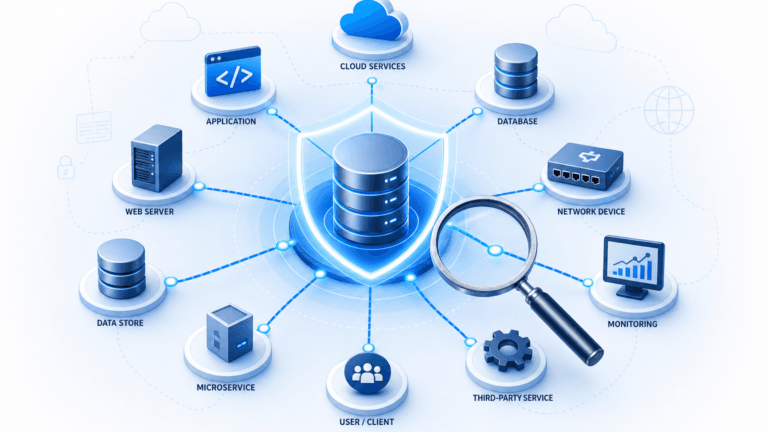
Application dependency mapping is the process of discovering and documenting the relationships between software applications and the infrastructure they depend on. An ADM solution identifies which applications communicate with which servers, which databases feed which front-ends, which services call which APIs, and how traffic flows between components.
A true dependency map is continuous and relational, focused on connections and communication flows, not just asset inventory. For a deeper look at how the top application dependency mapping tools compare, see our dedicated roundup.
Why ADM matters
Incidents that take hours to diagnose
Without an accurate dependency map, incident investigation is a manual process: checking dashboards, querying CMDBs, calling application owners. With ADM, incident responders start with a detailed picture of the components supporting the service in question, cutting triage time and reducing escalations.
Changes that break things they shouldn’t
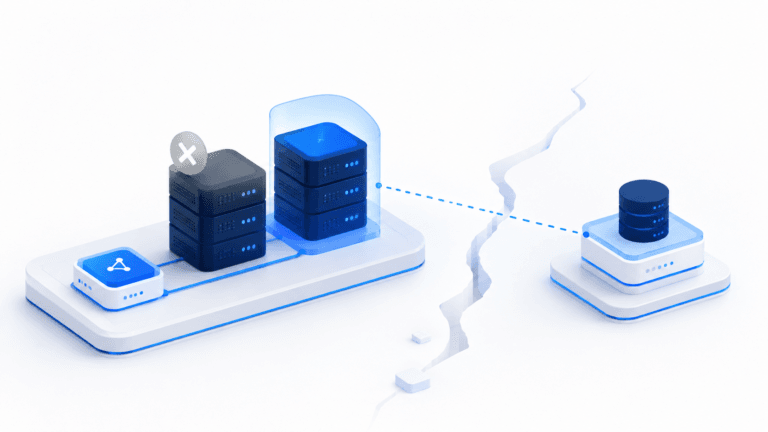
A firewall rule update that looks low-risk in isolation might sit directly in the communication path of a revenue-critical application. ADM exposes those hidden relationships before a change is executed. Effective change management depends on this visibility.
Cloud migrations are full of surprises
ADM produces a reliable inventory of application connections before a migration begins, which matters because applications that appear standalone often have undocumented dependencies on on-premises services or legacy databases. Teams that migrate without mapping first spend weeks chasing connection failures that could have been anticipated. For cloud environments in particular, this visibility is non-negotiable.
Security blind spots
Consider two critical vulnerabilities: one on an isolated test server, one on a server feeding payment processing. In a CVE list, they look the same. In practice, they carry very different business risk. ADM adds that business context to security prioritization, so teams fix what matters first.
ADM vs. service mapping
ADM focuses on individual application-to-application connections: which app talks to which server, which database feeds which front-end. Service mapping goes a level higher, grouping application dependencies alongside hardware, network infrastructure, and cloud resources to show how a complete business service is delivered end-to-end.
You need ADM data to build accurate service maps. But ADM alone won’t tell you which business services go down when a single database server fails. For a full breakdown of where these two disciplines diverge, see application dependency mapping vs. service mapping.
The most effective approach combines both. That’s the approach Virima takes with its ViVID™ Service Mapping platform.
ADM as runtime truth: understanding infrastructure in context
Ma
Workflow context — every ticket, every approval, every change record sitting in ServiceNow — tells you what happened. Runtime truth tells you what is: which app talks to which database right now, which firewall rule sits in the path of the payment service, which CI changed last Tuesday and which downstream services felt it. ADM is one of the surfaces that runtime truth gets delivered through.
An ADM tool that produces a static topology is a documentation exercise. An ADM tool that produces continuously refreshed dependency data, overlaid with current incidents, pending changes, and known vulnerabilities, is the foundation of safe operational decision-making — for humans today and for AI agents as agentic IT moves into production.
How ADM works
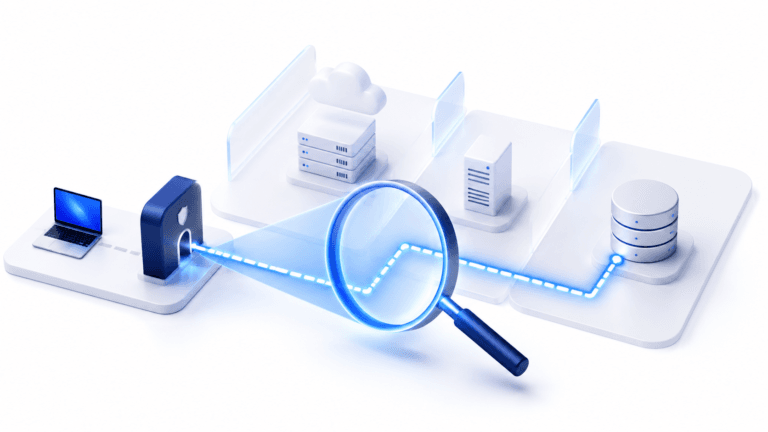
Stage 1: Discovery. ADM starts with a discovery engine that scans your environment using high-frequency discovery cycles, collecting data about what’s running and how things communicate. Unlike periodic scans that produce stale snapshots, continuous discovery keeps your map current as infrastructure changes.
Stage 2: Relationship detection. The mapping layer analyzes discovery data to infer relationships: which processes on Server A are communicating with processes on Server B, what application those processes belong to, and whether that communication is a known dependency.
Stage 3: Visualization. The final stage renders relationships as navigable visual maps: application-only views, communication flow views, and the dependency topology that sits underneath the business services your team has defined. (A business service is what a human says it is; the dependencies that support it are what discovery says they are.)
What to look for in an ADM tool
According to Gartner’s 2025 research on IT dependency mapping, the wrong tool selection can result in wasted investment, project delays, and operational blind spots. Here are the capabilities that matter most:
- High-frequency, continuous discovery, not periodic scans that produce stale data
- Hybrid and multi-cloud coverage across on-premises, AWS, Azure, and GCP environments
- Intelligent relationship detection that infers application-to-infrastructure connections from observed traffic patterns
- ITSM platform integration (e.g., ServiceNow, Ivanti, Halo, Xurrent, Jira Service Management, with open incidents and recent changes surfaced directly on maps
- Vulnerability data overlay from scanning tools, adding business context to CVE prioritization
- Service mapping depth that goes beyond application topology to show full business service delivery
For organizations evaluating Virima against platform-native options, our comparison of Virima vs. ServiceNow application dependency mapping covers the key differences in depth and cost.
Getting started with ADM
You don’t need to map everything on day one. A focused approach gets you to value faster:
- Pick one or two high-priority services. Choose services with the highest business impact or the most frequent incidents. These give you immediate ROI and a reference point for expanding.
- Map those services end-to-end using continuous discovery. Let the discovery engine run through several cycles before treating the map as complete. Initial scans catch most connections, but some dependencies only show up during specific workflows or batch processes.
- Overlay ITSM data once the map is accurate. Connecting your ITSM platform lets you see open incidents and recent changes directly on the dependency map, turning a topology diagram into an operational tool.
- Expand from there. Use the first mapped services as a template. Each additional service maps faster because shared infrastructure is already documented.
For a detailed value comparison against another popular ADM vendor, see Device42 application dependency mapping vs. Virima.
Map dependencies before they map your next outage
Virima’s ViVID™ Service Mapping includes a dedicated application dependency mapping view built on continuous discovery. ViVID™ layers ADM data into full business service maps, overlays current ITSM and vulnerability data, and surfaces ownership, linked incidents, and change history directly on the map: the context IT teams need to act.
See application dependency mapping in action: schedule a ViVID™ demo.
Frequently asked questions
What is application dependency mapping?
Application dependency mapping (ADM) is the process of discovering and documenting the relationships between software applications and the infrastructure they depend on. ADM identifies which applications communicate with which servers, which databases feed which front-ends, which services call which APIs, and how traffic flows between components. A true dependency map is continuous and relational, not a one-time inventory.
What is the difference between application dependency mapping and service mapping?
ADM focuses on individual application-to-application connections — which app talks to which server, which database feeds which front-end. Service mapping goes a level higher, grouping application dependencies alongside hardware, network infrastructure, and cloud resources to show how a complete business service is delivered end-to-end. Service definitions are typically curated by humans; the dependency topology underneath them is discovered automatically. You need ADM data to build accurate service maps.
How does application dependency mapping work?
ADM works in three stages. First, a discovery engine scans the environment using high-frequency cycles and collects data on what is running and how things communicate. Second, a relationship-detection layer analyzes that data to infer which processes belong to which applications and how they depend on each other. Third, the platform renders the relationships as navigable visual maps overlaid with operational context like incidents, changes, and vulnerabilities.
Why is application dependency mapping important for AI agents?
AI agents executing changes, triaging incidents, or recommending vulnerability remediation act on whatever the CMDB and dependency map tell them is true. An agent without accurate dependency data cannot calculate blast radius, cannot identify which downstream services a change will affect, and cannot prioritize remediation by business impact. ADM is part of the runtime truth layer that makes governed AI agent action safe — without it, agents operate on stale or incomplete state.
How is application dependency mapping different from network discovery?
Network discovery identifies devices and connections at the infrastructure layer — which servers exist, which ports are open, which IP addresses respond. ADM goes further by mapping the application-level relationships that ride on top of that infrastructure — which application is using which database, which API is calling which service. Network discovery answers “what is here.” ADM answers “what depends on what.”
How often should application dependency maps be refreshed?
Continuously. Periodic scans produce stale maps that miss short-lived connections, batch processes, and infrastructure changes that happen between scan windows. The best ADM platforms use high-frequency, continuous discovery so the map reflects current state rather than a snapshot that begins decaying the moment it is produced. For production environments with frequent change, anything less than continuous discovery undermines the trust teams place in the map.
What tools are needed for application dependency mapping?
A modern ADM toolset needs continuous discovery across hybrid and multi-cloud environments, intelligent relationship detection that infers application-to-infrastructure connections from observed traffic, integration with ITSM platforms to overlay incidents and changes, vulnerability data overlay for security prioritization, and service-mapping depth that connects application topology to business service delivery. Virima provides all of these in a single platform through ViVID Service Mapping.