Does Virima Have a Mobile App?

Did you search for a Virima mobile app and land on a site that says one exists? That data is wrong. Some third-party sites — SourceForge among them — have listed Virima as having a mobile app. It does not have one.
That gap matters. When you evaluate ITAM and CMDB platforms, you deserve a clear, accurate answer — not a spec field nobody checked against the real product. This article gives you the direct answer. It also explains what browser-based access covers for remote teams, and how distributed IT teams work with Virima today.
Does Virima Have a Native Mobile App?
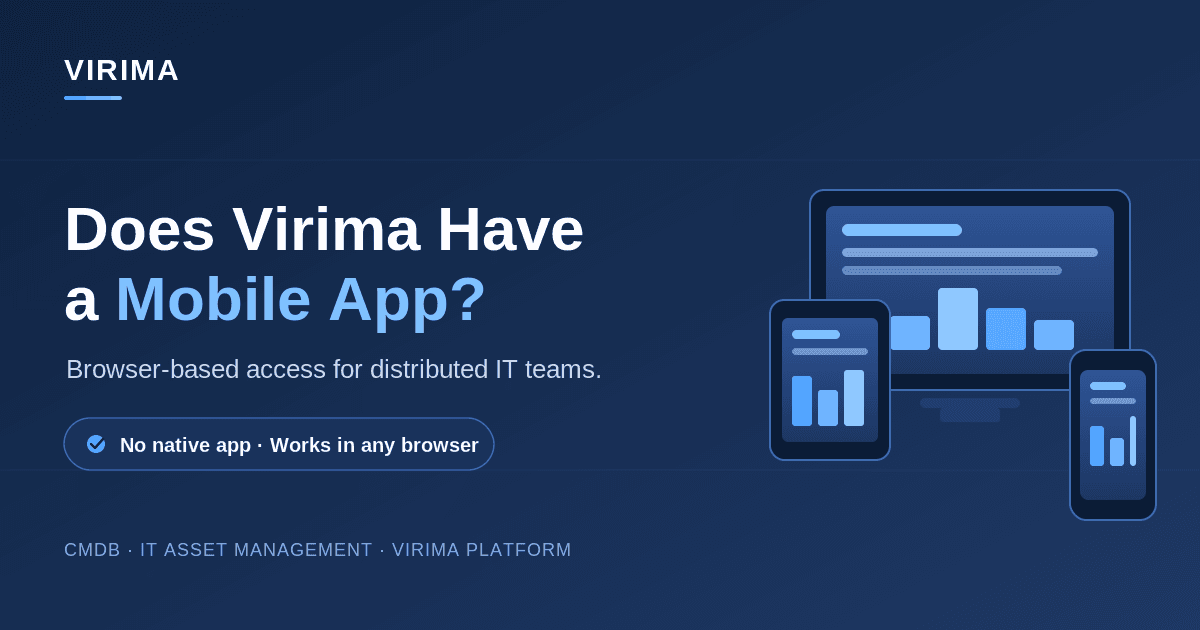
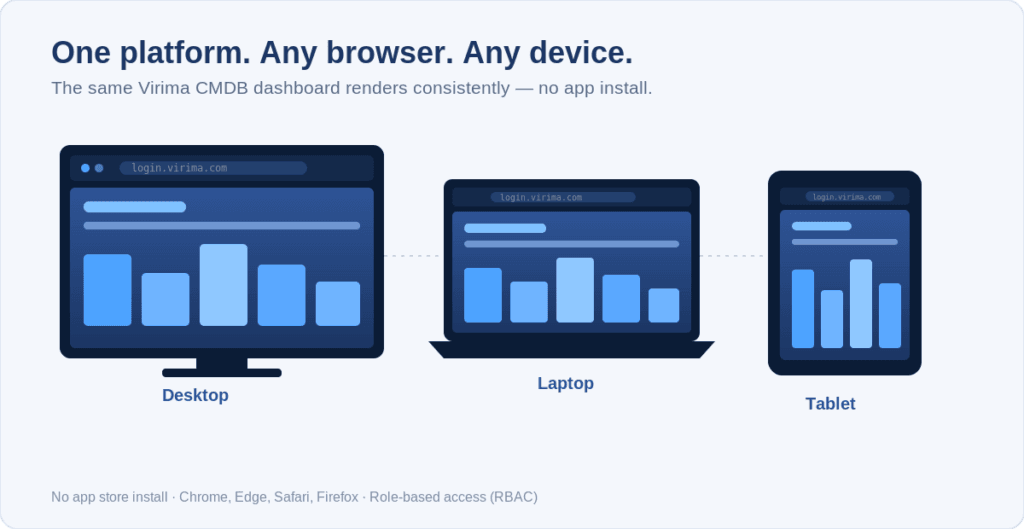
No. Virima does not offer a native iOS or Android app. It is a browser-based SaaS platform. You can open it in any modern web browser, on a desktop, laptop, tablet, or smartphone. You never install anything from an app store. To get in, you log in through your browser. From there, you reach CMDB records, asset data, and operational dashboards.
The Direct Answer: No Native App, Browser-Based Access Only
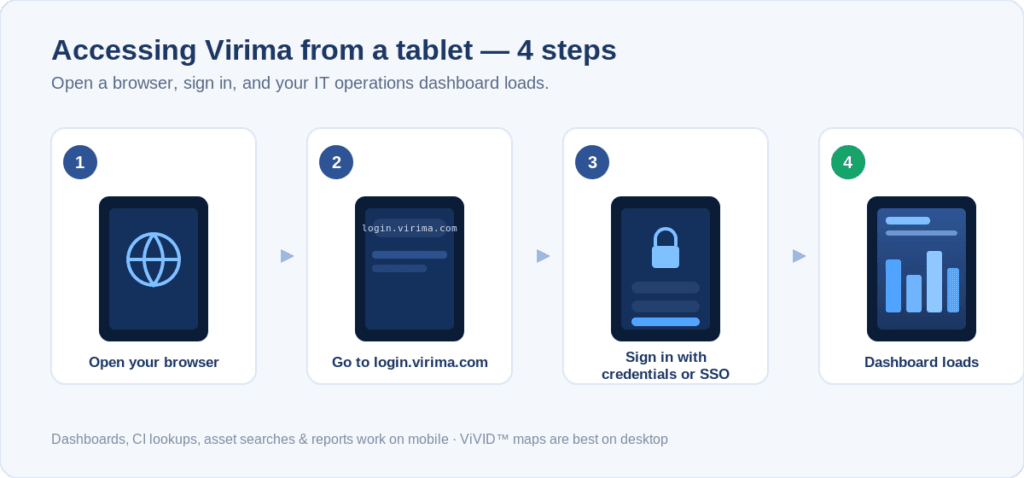
Virima has no iOS app, no Android app, and no downloadable mobile client. It is a web application. To use it, go to login.virima.com in a browser. Sign in with your credentials or through SSO. You can then work in the platform right away.
This works on whatever device you pick up. The platform loads in Chrome, Edge, Safari, and Firefox, on desktop and mobile alike. Need to check a CI record from your phone? Want to pull an asset lifecycle status or a license report from a tablet? The browser route handles all of it.
That said, Virima is built for IT operations work, and most of that work happens on desktop and laptop screens. Complex views look best on larger displays — ViVID™ service dependency maps, multi-tier CI relationship graphs, and discovery configuration screens. You can still open them on a phone. The experience is simply better on a full-sized screen.
Why Third-Party Sites Are Getting This Wrong
Review and comparison sites often fill in feature charts on their own. They pull from old data, crawled specs, or user submissions that nobody ever corrects. For Virima, the “mobile app” field is one of the most common mistakes.
SourceForge, for example, has listed a “yes” next to mobile app for Virima. That entry is wrong. The Virima product team has not shipped a native app. So when you compare Virima to competitors and see “mobile app” marked as a feature, treat the third-party listing as unverified — and confirm it directly with Virima.
The authoritative source on Virima features is virima.com — specifically the product and features pages, and this article.
How Remote and Distributed IT Teams Use Virima
Most Virima work happens at a desk. You manage CMDB accuracy, run discovery across hybrid infrastructure, assess change blast radius, and track license compliance. These are structured IT workflows. Remote teams reach them the same way on-site teams do — through a browser.
Virima also uses role-based access control (RBAC). Each team member sees only the data that fits their role, whether they sit in one office or work across time zones. A configuration manager in London and an infrastructure engineer in Singapore reach the same discovery-sourced CI records. Permissions decide what each person can view and change.
Already working inside an ITSM platform? Virima’s integrations extend that access further. If your team manages incidents in ServiceNow, Jira Service Management, or Ivanti, Virima pushes CI data, dependency context, and change impact analysis straight into those tools. Your team gets Trusted Runtime Truth right where they already work — no need to open Virima separately.
How Do Remote IT Teams Access Virima Without a Mobile App?
Remote teams log into Virima through any web browser, on any device with an internet connection. Virima also integrates with ServiceNow, Jira Service Management, and Ivanti. These integrations push discovery-sourced CI data straight into those tools, so teams see accurate asset and dependency context inside their ITSM platform — without switching to a separate Virima session.
Accessing Virima from a Phone or Tablet Today
Need to check something in Virima from a mobile device? Follow these steps:
- Open Chrome, Safari, or another mobile browser.
- Go to login.virima.com.
- Sign in with your credentials or your SSO provider.
- Open the dashboard, CI record, or report you need.
Here is what works well on a mobile browser, and what you should save for a desktop display:
| Task | Mobile browser | Desktop/laptop |
| Dashboard views | Works well | Works well |
| CI record lookups | Works well | Works well |
| Saved asset searches | Works well | Works well |
| License & compliance reports | Works well | Works well |
| Discovery job configuration | Loads, but limited | Recommended |
| ViVID™ service dependency maps | Loads, hard to read | Recommended |
In short, dashboards, searches, reports, and CI lookups all work on a phone. Discovery setup and ViVID™ maps load too, but a desktop display makes them far easier to review.
What This Means for IT Teams Evaluating Virima
Is a mobile app a hard requirement for your team? Maybe field technicians need to scan asset barcodes, or on-call engineers want to acknowledge alerts from a phone. That use case is worth raising with Virima directly — customer requirements shape the product roadmap.
For most enterprise IT operations teams, the missing app simply reflects where the work happens. CMDB management, discovery configuration, change impact assessment, and license compliance reviews are desk-based workflows. Virima is built for exactly those. It gives you Trusted Runtime Truth — discovery-sourced CI data that is current, explainable, and governed — and that is what these workflows depend on.
Want to see browser-based access to your CMDB in action? Schedule a Virima demo, and we’ll walk through it on your own environment.
Frequently Asked Questions
Does Virima offer an iOS or Android app?
No. Virima does not offer a native app on the Apple App Store or Google Play. The platform runs in your browser. You can reach it from any device with a modern browser and an internet connection.
Why do sites like SourceForge say Virima has a mobile app?
Some comparison sites fill in feature fields with old or unverified data. SourceForge, for example, has listed Virima as having a mobile app. That entry is incorrect — Virima does not offer a native app. Always check product claims against the vendor’s own pages.
Can I access Virima CMDB data from a smartphone?
Yes, through a mobile browser. Log in at login.virima.com from Chrome or Safari on your phone to view dashboards, CI records, and asset reports. Complex views like ViVID™ service maps are easier to read on a desktop browser.
Does Virima work with ITSM tools that have their own mobile apps?
Yes. Virima integrates with ServiceNow, Jira Service Management, Ivanti, and other ITSM platforms. When your team opens those mobile apps, the Virima CI data and service context is already there — discovery-sourced and current — with no need to open Virima directly.
Is a Virima mobile app planned for the future?
Customer requirements drive the Virima product roadmap. If mobile access matters to your team, raise it directly with Virima during a demo.