How Often Should Discovery Run to Keep a CMDB Accurate? Start With How Stale a Record Can Be

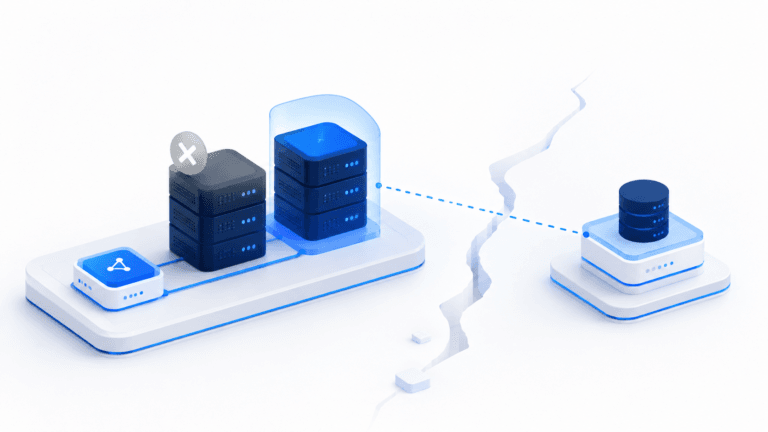
A change approver opens the impact list for Saturday’s maintenance window and finds a database server that was retired three days earlier. Discovery ran every week without a missed run, and every job reported success. The schedule followed the calendar while the estate changed on its own timeline.
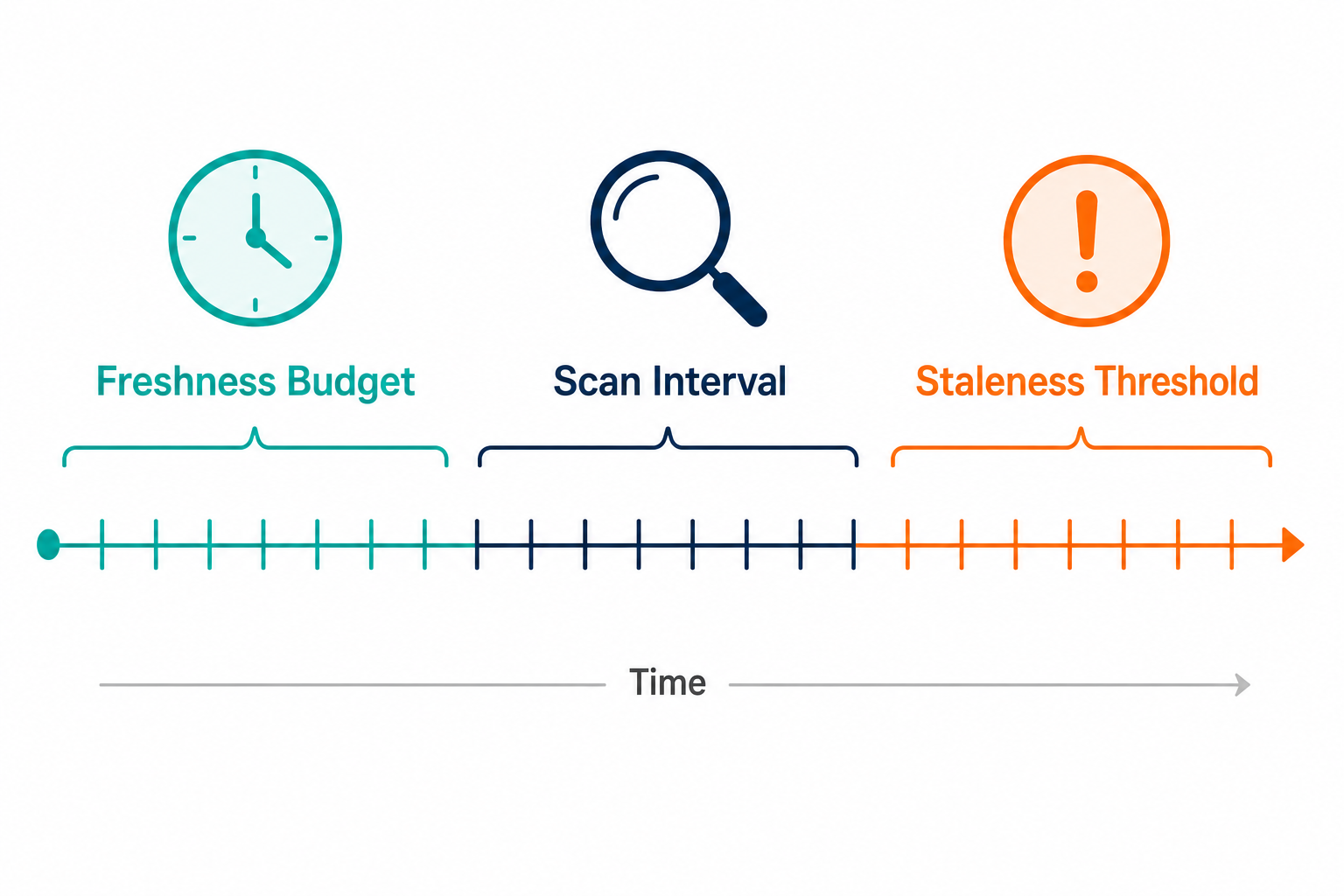
CMDB owners usually ask how often discovery should run. A better first question asks how stale a record can be before someone makes a bad decision with it. This article gives CMDB owners, ITAM leads, and ITSM managers a method to answer how often discovery should run to keep a CMDB accurate in their own estate. Set a freshness budget, measure change rate per CI class, then choose the scan interval and staleness threshold from the result.
Start With a Freshness Budget
A freshness budget is the oldest a CI record can be before it creates decision risk. Each use of CMDB data tolerates a different age, and the owner of the data decides each value.
| Use of CMDB data | Who relies on it | What a stale record causes |
|---|---|---|
| Change approval | Change manager, CAB | Impact lists that include retired CIs or omit new ones |
| Incident response | Service desk, on-call engineers | Triage against hosts and dependencies that no longer exist |
| Audit evidence | GRC, ITAM lead | Inventory that differs from the environment at the audit date |
| License reconciliation | ITAM manager | Entitlement positions built on outdated install counts |
Change approval and incident response usually need the youngest records, often within hours to a day. Audit evidence needs records that match the last completed cycle. License reconciliation can often work from weekly or longer cycles. These ranges are starting points for discussion, because no industry standard sets a universal freshness number.
The scan interval has to be no longer than the freshness budget, and each run has to finish inside its interval. A run that takes longer than the interval never leaves a complete, current picture.
Change rate is the pressure on that budget. Enterprise Management Associates (EMA) surveyed 203 North American IT professionals at organizations with 1,000 or more employees for its 2026 ITAM maturity benchmark, which Virima sponsored. Of the 200 who answered the CMDB accuracy question, 18.5% rated their ITSM and CMDB asset data at 95% accuracy and completeness or higher, and 60.0% selected the 80% to 94% band. The same report lists the rate and volume of change outpacing updates among the top three CMDB accuracy challenges for 32.0% of those respondents. These are self-reported ratings, and they show how common the freshness problem is without measuring any one organization’s accuracy.
What is a CMDB freshness budget?
A freshness budget is the maximum age a configuration item record can reach before it creates decision risk. Each use of CMDB data, such as change approval or audit evidence, has its own budget, and the discovery interval for each CI class is set to stay inside it.
What “Accurate” Means in ServiceNow’s Own Health Model
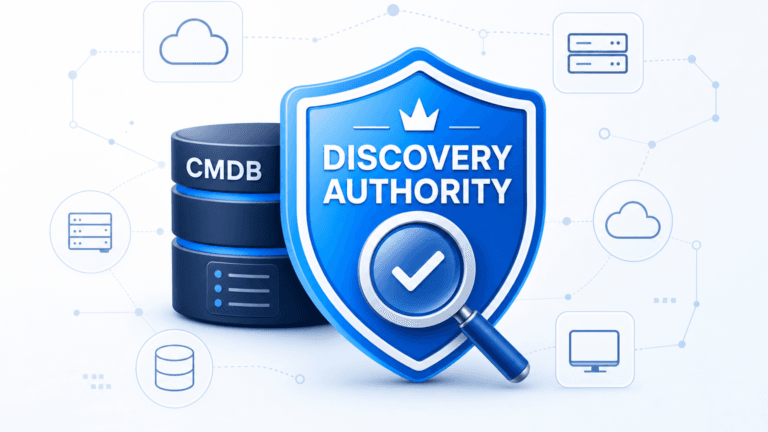
ServiceNow’s CMDB Health model gives a useful reference for how staleness feeds accuracy. In its CMDB Health KPI documentation, the correctness KPI aggregates orphan, staleness, and duplicate metrics. Completeness aggregates required and recommended field metrics, and compliance depends on audit runs.
A CI counts as stale when it has not been updated within the Effective Duration of its staleness rule. The base system includes a default rule on the Configuration Item class (cmdb_ci) with an Effective Duration of 60 days. Class-specific rules override that default.
This model gives the schedule a measurable consequence. A scan interval that outlasts the staleness window shows up as a drop in the health score, so the interval and the staleness rule belong in the same conversation.
One practitioner thread on the ServiceNow Community from November 2025 reports that the staleness metric may use the record’s updated date instead of its most recent discovery date. Under that reading, a system update could hide a discovery job that stopped running. The thread is unresolved, so check how your own instance calculates staleness before you trust the metric as proof of discovery health. Virima’s own six-metric CMDB health score includes staleness alongside completeness and other measures, which gives a second reference model.
Measure Your Own Change Rate
Change rate per CI class turns “it depends” into a number. The method needs two consecutive full runs of the same range.
- Count the CIs in the class at the first run.
- Count CIs added, CIs missing, and CIs with changed attributes at the second run.
- Divide the total changes by the class count to get churn between runs.
- Divide churn by the hours between runs to get churn per hour.
Choose the interval so that expected churn between runs stays inside the freshness budget. Fast-churn classes such as cloud instances and containers need shorter intervals. Slow classes such as network gear and long-lived servers can wait longer between runs.
A hypothetical example shows the arithmetic. Suppose a class of 1,000 CIs shows 40 changes between two runs 24 hours apart. Churn is 4% per day. If the freshness budget allows 2% of records to be out of date, the interval for that class drops to about 12 hours. A second class of 1,000 CIs showing 10 changes between runs 7 days apart has churn of 1% per week and fits a weekly interval comfortably. These numbers are illustrations only.
Repeat the measurement every quarter. Churn shifts with releases, migrations, and acquisitions, and a class that was slow last year can become fast after a platform move. Use your own measurements, and treat any published drift percentage from another environment as context only.
Stale Because It Changed, or Stale Because Discovery Failed
A stale record means a CI has gone unverified for some time. It does not tell you the record is wrong. A ServiceNow Community explainer on stale CIs lists the usual causes: the device was removed, connectivity broke, credentials expired or a pattern broke, or identification failed and created duplicates.
Higher frequency cannot repair a failing run. Track completion and failure rate for each schedule next to staleness. A rising failure rate explains growth in stale CIs faster than any change in the estate does.
Virima’s post on why CMDB data goes stale after cleanup describes the same trap: discovery silently stops, for example, when credentials expire, and the CMDB slowly drifts away from the environment. A failed run looks like stale data until someone checks the job logs.
Investigate before retiring a stale CI. The ServiceNow guidance prefers setting the operational status to non-operational over deleting the record, which keeps the history available while the cause is confirmed.
Why do CIs go stale when discovery runs on schedule?
Stale CIs usually come from failed credentials, lost connectivity, broken discovery patterns or identification failures that create duplicates. A schedule can complete on time and still miss records, so teams should track failure rate per run before shortening the scan interval.
Set the Schedule, Thresholds and Retirement Rules Together
ServiceNow’s discovery schedule run options include Daily, Weekly, Monthly, and Periodically with a repeat interval, plus After Discovery to stagger dependent runs. The documentation states no minimum interval. Most platforms offer a similar menu, so the decision rests with the CMDB owner.
Pair the staleness threshold with the interval. A threshold that spans several scheduled runs keeps one missed run from flagging a healthy record. This pairing is a practice recommendation, and each team should confirm it against its own failure rate.
Retirement rules need the same attention. CMDB Data Manager policies select CIs by install status and last discovered date, and a definition sets the retired state. One ServiceNow Community reply notes that when the execution mode only creates review tasks, CIs do not change until people complete those tasks. Check the execution mode before assuming retirement is running.
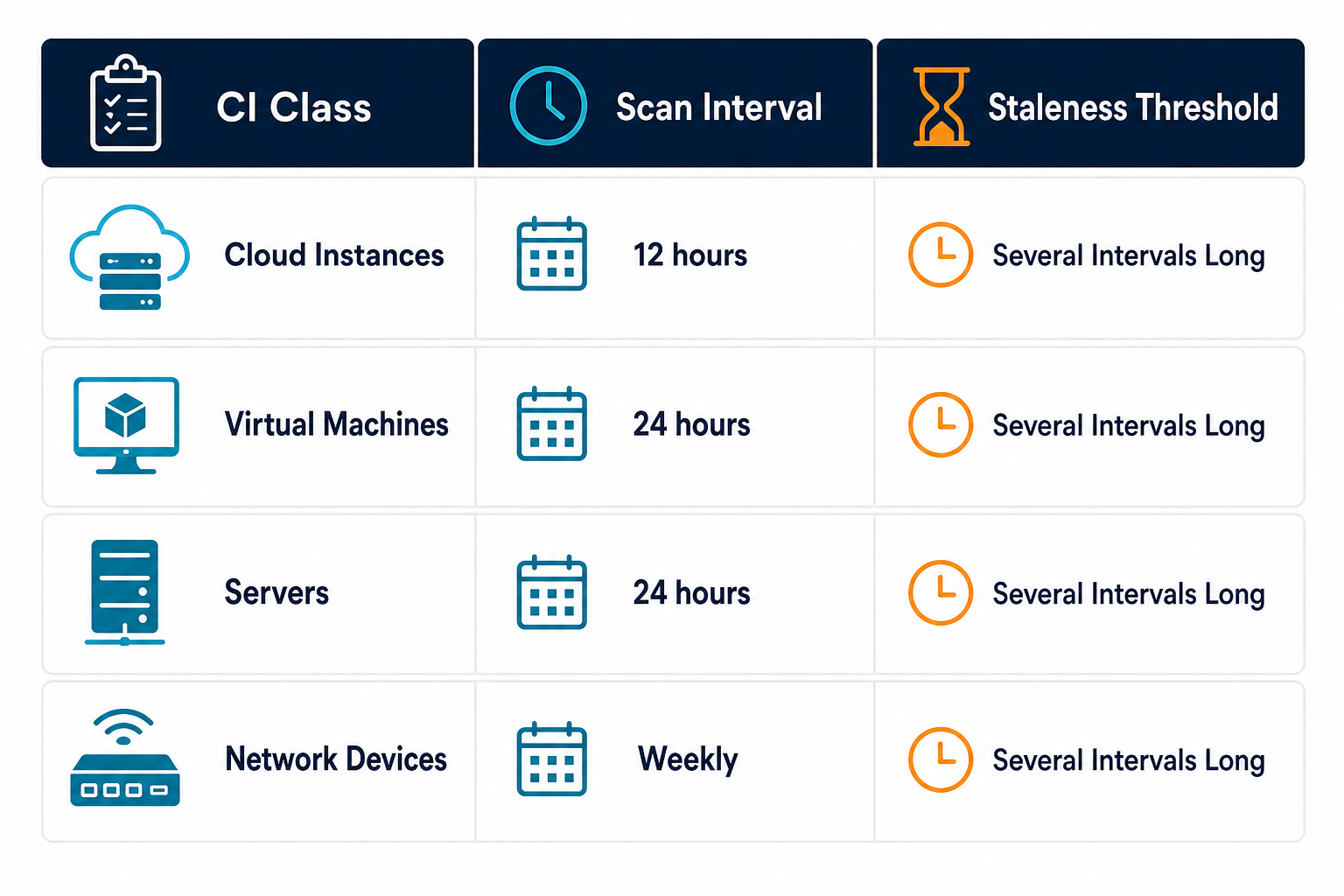
A three-column worksheet keeps the three decisions together:
| CI class | Scan interval | Staleness threshold |
|---|---|---|
| Cloud instances and containers | Set from measured churn | Several intervals long |
| Virtual machines and servers | Set from measured churn | Several intervals long |
| Network devices | Set from measured churn | Several intervals long |
Teams that want freshness tracked against these thresholds can see how Virima approaches discovery-sourced Trusted Runtime Truth for CMDB data accuracy.
Verify With Audits
A scheduled run proves the job executed. An audit shows whether the records match the environment. Compare a sample of CMDB records against a fresh scan on a fixed cadence, and log the mismatch rate for each class.
ServiceNow’s compliance KPI relies on audit runs, and its community assessment checklist asks organizations to define their own check frequencies per CI class. As vendor guidance, Virima’s health score recommends monthly audits at minimum and weekly audits for high-velocity environments.
“Weekly Has Always Been Fine for Us”
Stable estates change little, and a weekly run with monthly reviews has served many teams for years. That position may be right, and the measurement above can confirm it. If churn between two runs stays inside the freshness budget, the schedule is justified. If cloud or container classes share the same weekly schedule as stable servers, a single interval hides the fast-changing part of the estate.
Tracking Freshness and Scheduling Scans in Virima
Virima supports separate scan intervals per CI class, so cloud workloads, servers, and network devices can each follow their own measured churn. Each CI carries a timestamp of its last verified state, and aging records are flagged. Health scoring includes staleness, which lets owners watch the staleness threshold against the schedule they set. Virima runs scheduled discovery cycles, and teams that need shorter intervals for fast-changing classes set high-frequency scheduled discovery for those classes. The IT discovery guide explains discovery methods and how each fits an estate.
Set One Interval From One Measured Class
Discovery frequency follows from a freshness budget and measured change. Pick one CI class this week, compare two consecutive runs, and set its interval and staleness threshold from the result. Then extend the same worksheet to the next class.
CMDB owners who want to see per-class schedules and staleness flags in a working environment can schedule a Virima demo.
Frequently Asked Questions
How often should CMDB discovery run?
The interval depends on how fast each CI class changes and how stale a record may become. Measure churn between two consecutive runs per class, then choose an interval that keeps expected churn inside your freshness budget.
What counts as a stale CI?
In ServiceNow, a CI is stale when it has not been updated within the Effective Duration of its staleness rule. The default rule on the base Configuration Item class is 60 days, and class-specific rules can override it.
Why are CIs stale when discovery runs on schedule?
Check for expired credentials, connectivity loss, broken discovery patterns, and identification failures first. These causes leave records unverified even when every job starts on time, and a shorter interval will not fix them.
Can Virima use different scan intervals for different CI classes?
Yes. Virima supports separate scan intervals per CI class, so fast-changing cloud workloads can run on a shorter scheduled interval than stable network devices or long-lived servers.
How does Virima show which CI records are aging?
Each CI carries a timestamp of its last verified state, and aging records are flagged. CMDB health scoring includes staleness, so owners can track it against the schedule they set.