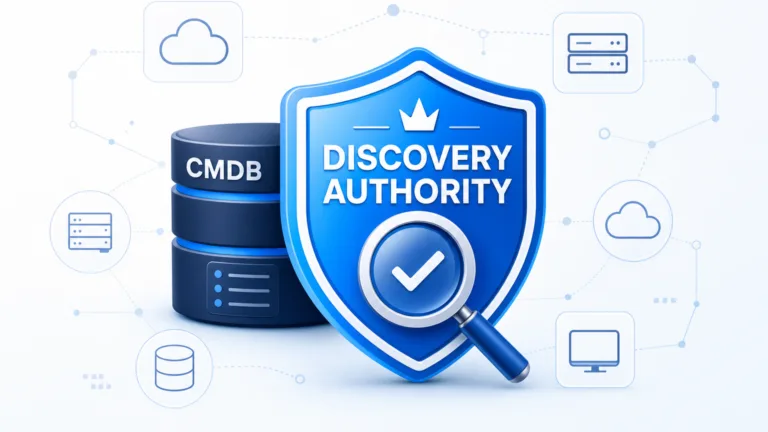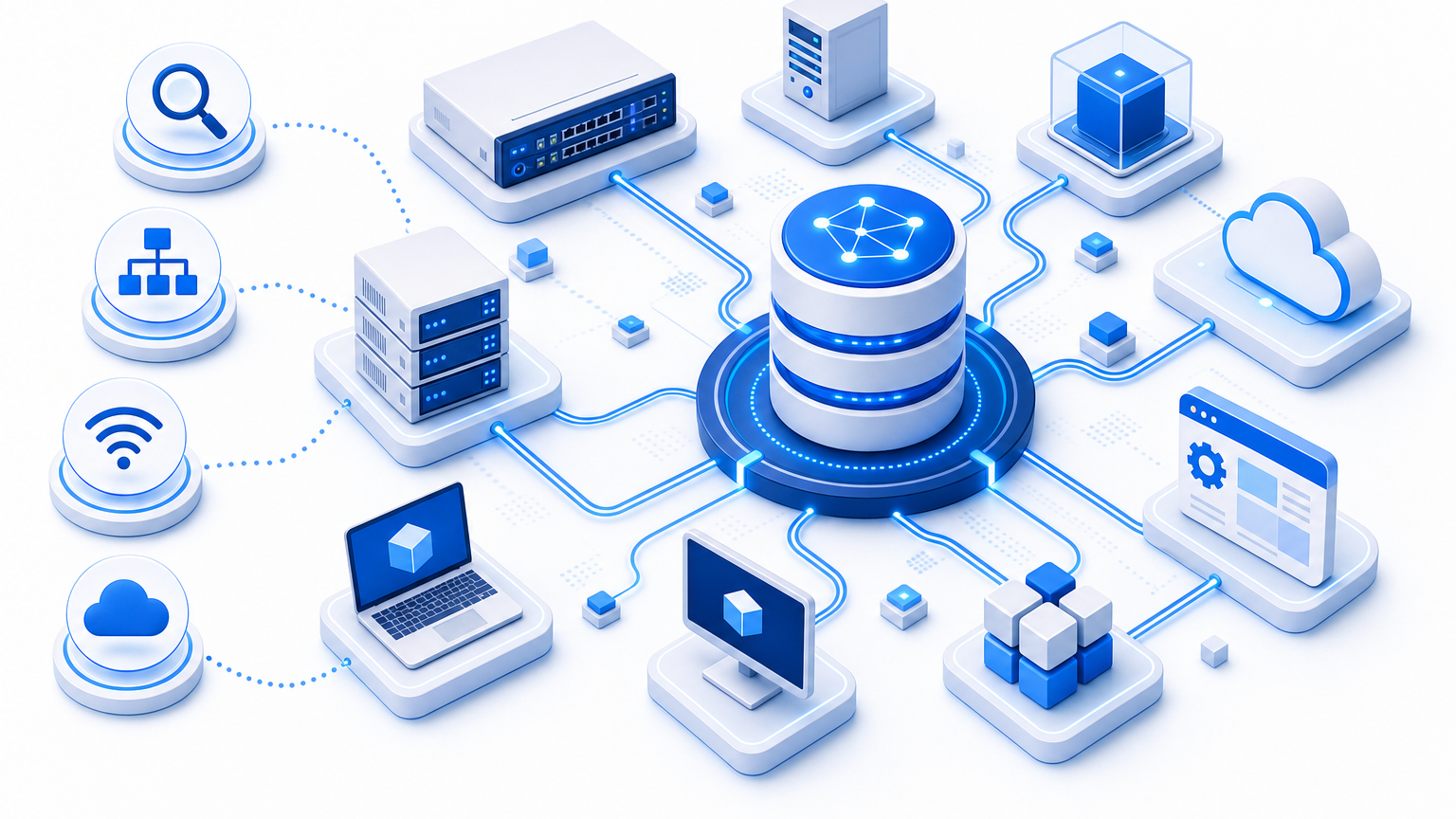
Can Virima Discover Network Devices, VMs, and Software Versions We Actually Run?

When a core switch carries an undocumented uplink, the runbook points to the wrong path. Most on-call teams carry that gap between documented state and rack state. Your CMDB may look complete, and the test is whether it reflects what is running now. Short answer: yes for network, VMs, and software versions on scheduled cycles. Use the 4 tests below to prove it on your VLAN and cluster.
Short Answer for a Shortlist
Virima discovers network devices, VMs, and software versions through scheduled discovery cycles and then reconciles results into CMDB records.
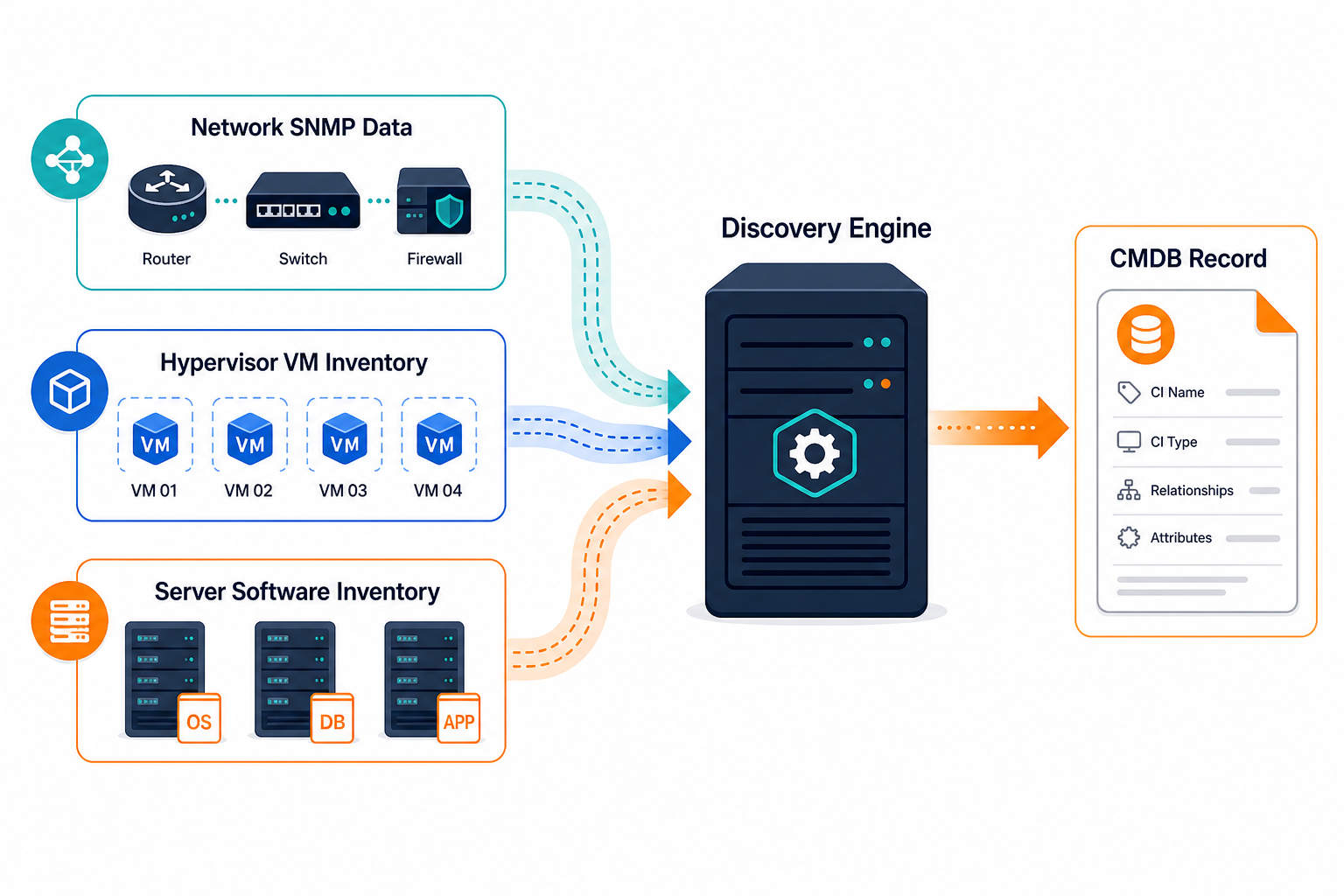
Network gear comes in over SNMP and SSH. VMs come in from hypervisor APIs plus guest scans. Installed software and OS versions come in from agent based and agentless scans. Each source feeds one CI with history, so triage uses deployed state and not last quarter spreadsheet data.
Can Virima discover network devices, VMs, and software versions we run?
Yes. Virima uses SNMP and SSH for network gear, hypervisor APIs plus guest scans for VMs, and agent or agentless scans for OS and software versions. Results merge into CMDB records on scheduled cycles.
What Each Source Sees
Different methods cover different layers, and coverage depends on credentials, network reach, and which systems you include in the trial scope.
Network discovery uses agentless scans over SNMP and SSH with read only credentials you scope by range and site. It records routers, switches, firewalls, interfaces, VLANs, serial numbers, and firmware where the device exposes them. You set tighter schedules for core and distribution gear and lighter schedules for stable edge closets.
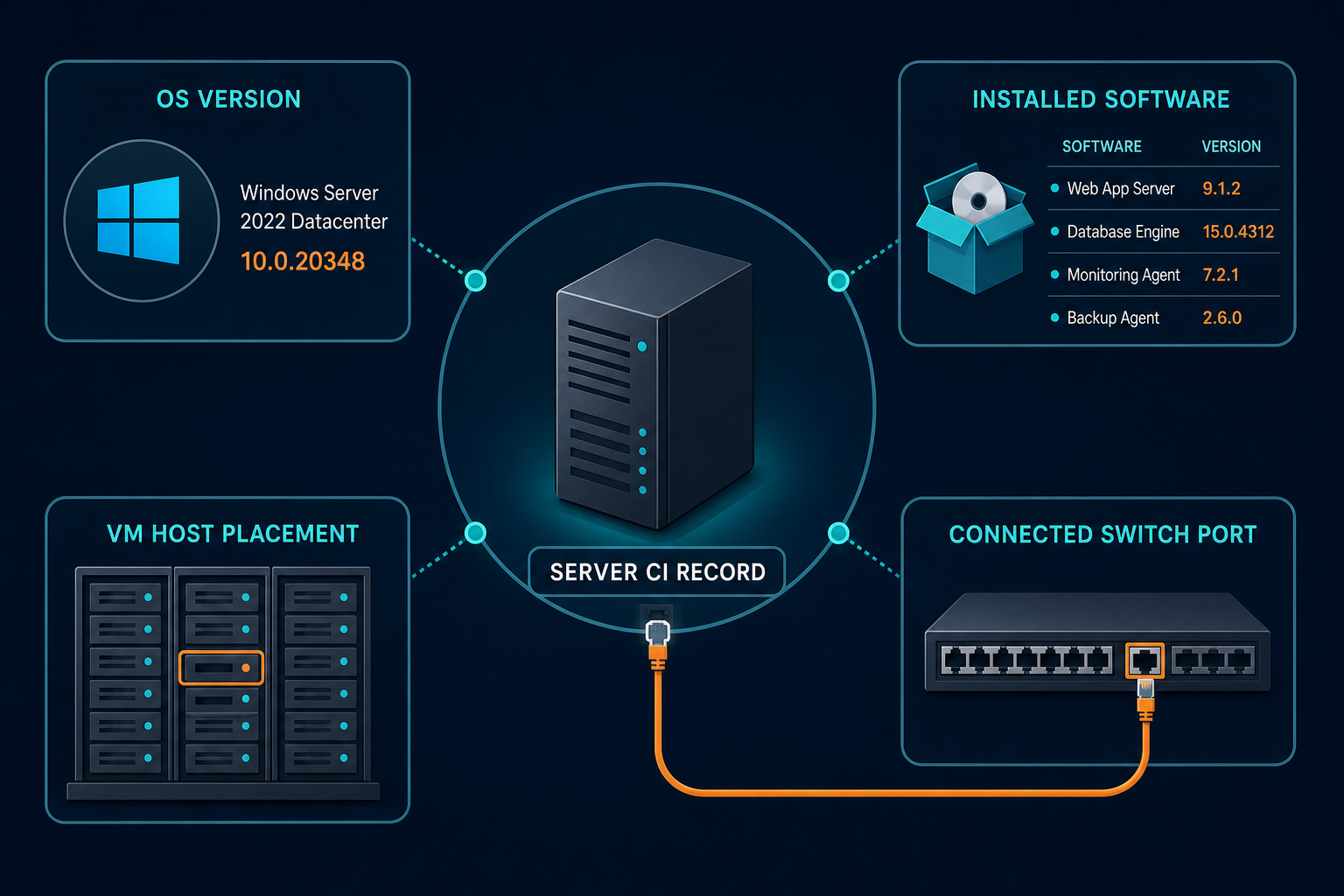
VM discovery joins two views. Hypervisor APIs report hosts, clusters, datastores, and guest placement for VMware and Hyper-V. Guest scans over WMI or SSH report hostname, OS build, IPs, CPU and memory allocation, and installed apps. The join uses serial number or cloud instance ID because hostname alone is not a durable join key and names get reused.
Software and OS inventory comes from lightweight agents on persistent servers and laptops, plus credential based scans where agents are restricted. Software normalization standardizes publisher and product names, so variant installer strings for Microsoft SQL Server resolve to one title with edition and version intact. That clean title lets you join installs to entitlements without manual dedup.
The limit is credential and route bound. If a device blocks SNMP, uses a closed MIB table, or sits behind a firewall with no path, Virima reports it as unreachable. Fix the credential or route, then rescan. Unscannable gear should stay visible as a gap and not as assumed truth.
Why This Matters on Call
When a switch pair fails, adjacency from Layer 2 and Layer 3 discovery shows which hosts lose path. Your service mapping views carry that link, once service definitions are supplied by your team by manual entry, spreadsheet import, or integration such as LeanIX. Virima then builds and refreshes the dependency map from those definitions.
When a VM moves, reconciliation keeps one CI instead of minting a duplicate. Hypervisor placement and guest data merge by serial or instance ID, with rename history retained. Decommissioned guests age out through CI lifecycle states with history kept for audit review.
When a CVE drops, version evidence decides patch order. The National Vulnerability Database ties CVEs to product versions, so accurate install versions let your team rank exposure by service weight. Virima supplies inventory and version evidence on a schedule, while your scanner and change process still own remediation.
See how discovery sourced inventory supports Trusted Runtime Truth across network, VM, and software layers.
Freshness comes from scheduled cycles you set. Run daily scans for prod VM clusters and core network and weekly scans for office IT and lab gear. Each cycle writes change history with scan source and timestamp, so you can trace when a version changed and which scan observed it.
4 Tests to Run Before You Decide
Use one prod VLAN, one VMware cluster, and 50 mixed servers. Record setup, result, and evidence for each test. Score each test as pass, partial, or fail with evidence attached.
1. One switch with bad credentials. Revoke SNMP on a test switch, then run a scheduled scan.
A good result shows the device as unreachable with a credential error and an owner assigned to fix it. The device does not vanish and stale interfaces do not show as current. Ask to see error class, last confirmed timestamp, and where the fix gets assigned in the workflow.
2. One cluster with movement. Migrate a test VM with vMotion, keep a clone from last month, and then check placement.
A good result shows one CI for each guest, joined by serial or instance ID, with current host, cluster, and datastore. The clone stays visible as installed sprawl instead of merging into prod. Ask to see which identifiers matched, what happens on a hostname collision, and whether a merge can be reversed.
3. Ten hosts, version to package manager. Pick 10 sampled hosts and compare Virima versions against local output.
A good result matches OS build and app versions within one scheduled cycle. Publisher names are normalized. Conflicts show source, timestamp, and the authority rule that picked the winner. Ask to see where the rule lives, who edits it, and whether the losing value stays reviewable.
4. One push to your ITSM. Sync the merged CIs to your ITSM platform test instance.
A good result matches existing entries with no duplicate and with no overwrite of owned fields. History and source tags travel with the sync. For handoff options, see the supported ITSM list for the available connections, with ServiceNow, Jira, and Ivanti as common targets. Ask to see matching logic against the target platform rules, plus direction, fields, and schedule.
Count Your Reconciliation Toil
No vendor publishes your number, so use your own week to size it.
Add three lines. Count conflicting or duplicate CIs you reviewed last week. Multiply that count by minutes per record to resolve. Add minutes spent rechecking records after a failed change or audit. Divide by 60 for hours per week. Run that same count during the trial and compare before and after on the same scope. CMDB health scoring helps here by flagging stale, incomplete, and conflicting segments for rescan instead of manual hunt.
Published coverage also bounds the trial. Virima documents AWS and Azure plus VMware and Hyper-V. Other clouds are not on published pages. Keep your proof inside that scope. Do not test ephemeral container churn as persistent CIs. Do not expect business service composition to appear on its own, since service definitions remain customer supplied.
Closing: Prove It Against Rack and Hypervisor
If your runbook depends on device, VM, and version truth, test discovery against the rack and the hypervisor and not the slide deck. A trustworthy run shows scan source, timestamp, and reconciliation per CI, plus gaps labeled as gaps.
Run a scoped proof on one VLAN and one cluster. Bring your hardest subnet to the trial run.
Frequently Asked Questions
How do you verify switch coverage without installing agents?
Use agentless SNMP and SSH scans with read only credentials scoped by range and site. Unreachable devices should appear as gaps with credential errors, not as missing records.
How do you match VM placement to guest versions after vMotion?
Join hypervisor placement data with guest scan data by serial number or instance ID. Hostname alone cannot serve as the join key because names get reused across clones.
Can Virima show exact software versions for audit review?
Yes. Discovery captures installed apps, versions, and OS builds, normalizes titles, and stores history per CI for audit review.
Does Virima auto define business services for SRE maps?
No. Service definitions come from your team by entry, sheet import, or integration. Virima then builds and refreshes the map from those definitions on schedule.