How Does Virima Handle Software License Tracking and Compliance? A Complete ITAM Guide

TLDR: Virima 6.1.1 tracks software license keys in ITAM, links them to installed software instances and hardware CIs via component-of relationships, and supports multi-OS discovery, Major Software monitoring, and exportable compliance reports — all within a unified CMDB platform.
Software license compliance requires more than a spreadsheet. It requires a live connection between what you’re licensed to run, what’s actually installed, and where those installations sit in your infrastructure. Virima 6.1.1 provides that connection natively within its ITAM module.
This guide answers the most common questions about how Virima handles software license tracking, compliance management, and audit readiness.
According to the BSA Global Software Survey, unlicensed software use remains a significant and growing compliance exposure for enterprises, with risk concentrated in complex environments running heterogeneous software stacks across multiple operating systems. Automated, CMDB-integrated license tracking directly addresses this exposure.
Does Virima Track Software License Keys?
Yes. Virima’s ITAM module includes a dedicated license key record that captures:
- The license key itself
- Seat count and license type (perpetual, subscription, concurrent, per-device)
- Vendor details and purchase reference
- Start date and expiration date
- Current compliance status
Each license key record is a CI in its own right, stored in the CMDB with full audit history. Any change to a license record — updates to seat count, expiration date, or compliance status — is logged with a timestamp and user attribution. This audit trail is available at any time for internal review or vendor audit response.
How Does Virima Link License Keys to Installed Software Instances?
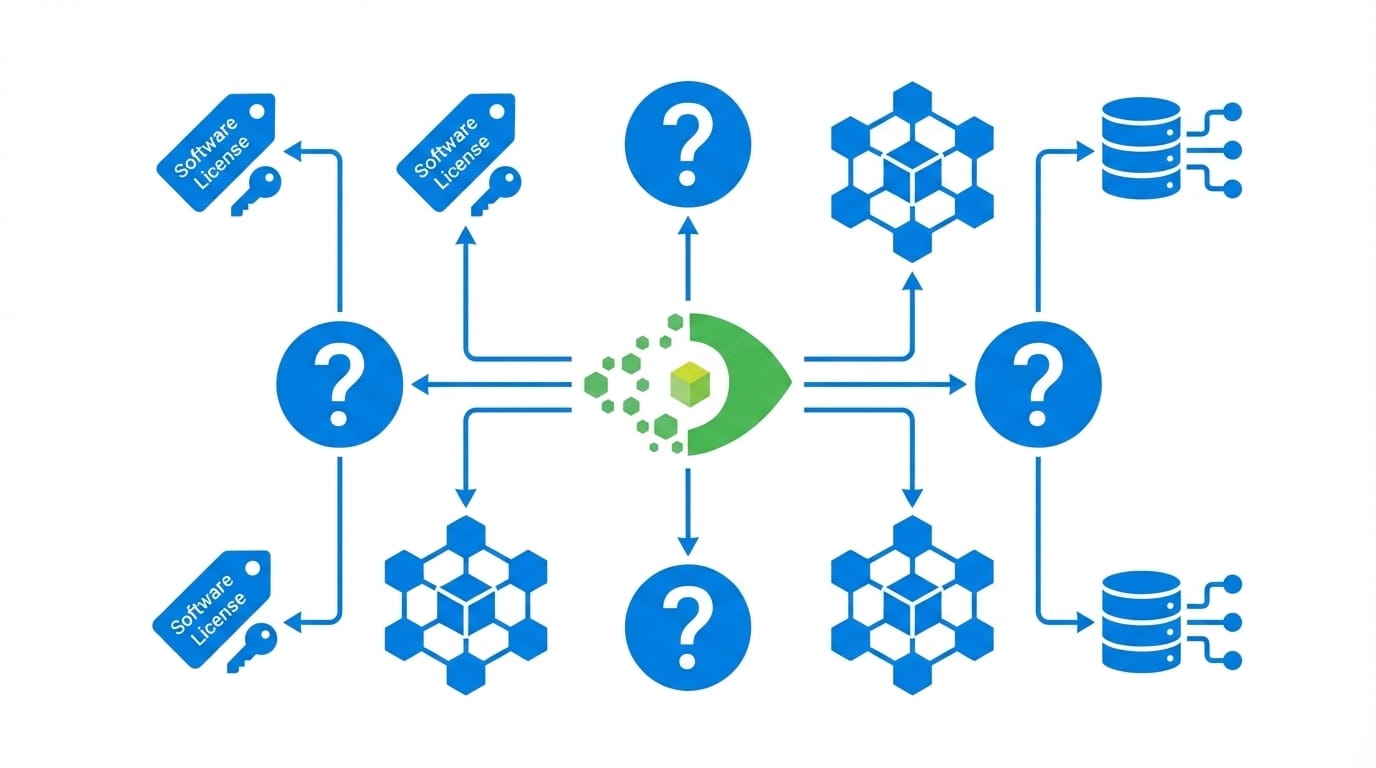
Virima creates a component-of relationship between the license key record and the software CI it authorizes. This relationship is the operational core of software compliance management in Virima.
The relationship chain works as follows:
- License Key CI holds the entitlement data — what is licensed, how many seats, under what terms
- The component-of relationship connects the license to the specific software product and version
- Software CI represents the installed software instance on a specific device
- Hardware CI relationship links the software CI to the endpoint, server, or VM where it runs
When you query a license record in Virima, you follow this chain in both directions — from license to hardware CI, or from a hardware CI up to the license covering the software installed on it. The compliance calculation (seats used vs. seats licensed) updates automatically as Discovery detects new installations or removals.
Can Virima Discover Installed Software Automatically?
Yes. Virima’s Discovery engine scans the network and inventories installed software without manual input. Discovery runs on a configurable schedule and updates the CMDB after each scan.
When Discovery detects a new software installation, it creates or updates the corresponding software CI, attaches it to the hardware CI where it was found, and triggers a recalculation of any linked license compliance position. When an installation is removed, Discovery updates the CI accordingly.
This means the CMDB stays current without relying on manual data entry or periodic spreadsheet exports. The software compliance position reflects what is actually deployed, not what someone recorded six months ago.
What Operating Systems Does Virima’s Software Discovery Support?
Virima Discovery supports software inventory across three operating system families:
- Windows — MSI-installed applications, registry-tracked software, and file-system level executable identification
- Linux — Package manager inventories (RPM, DEB, APT), manually installed binaries, and container-resident software
- macOS — Application bundles in
/Applications, Mac App Store installs, and command-line tools
Multi-OS coverage is critical in mixed enterprise environments where software compliance spans multiple operating system families. Virima’s discovery eliminates the gap that appears when different teams manage Windows, Linux, and macOS with separate, non-integrated tools that produce siloed inventory data.
How Does Virima Help Prepare for a Software Audit?
Virima generates exportable software compliance reports directly from the CMDB. A compliance report includes:
- All license records with seat counts and expiration status
- All discovered software instances are linked to each license
- The compliance delta (seats used vs. seats licensed) by product
- Hardware CI context — which devices hold each installation
- Historical discovery data showing when each installation was detected and any changes since
Because the compliance position is calculated from live CMDB data, reports reflect the current state of the software estate at the time of export. Organizations run compliance reports on a regular schedule — monthly or quarterly — so audit preparation is an ongoing process rather than a crisis response triggered by an audit notice.
For organizations subject to vendor-initiated audits from Microsoft, Oracle, or SAP, this reporting capability provides the structured evidence auditors require in the format they expect.
What Is Major Software Monitoring in Virima?
Major Software monitoring is a Virima capability that provides heightened tracking for business-critical applications. IT teams define which software products qualify as “major” — typically ERP systems, security platforms, backup software, productivity suites, and any software subject to regulatory compliance requirements.
For major software, Virima tracks:
- Installed version and drift from the approved baseline
- Configuration parameters as CI attributes, surfacing changes immediately
- Installation scope — any appearance of major software on unauthorized devices triggers visibility in the CMDB
Major Software monitoring supports compliance programs under SOX, HIPAA, ISO 27001, and PCI DSS by providing a continuous audit trail for critical application control — not just a point-in-time snapshot.
Can Virima Track Decommissioned Software Assets?
Yes. Virima supports full software lifecycle tracking, including the decommission stage.
When a software product is retired from the estate, the corresponding software CI transitions to “Retired” status in the CMDB. The license record linked to that software is marked inactive, so it no longer factors into active compliance calculations.
Retired software CIs remain in the CMDB as historical records. This historical data is available for audit purposes — demonstrating to auditors when the software was active, when it was removed, and what the compliance position was at each stage of the lifecycle.
This lifecycle tracking keeps the CMDB accurate without erasing the historical record that audits routinely require.
Schedule a Demo at virima.com to see how Virima’s ITAM module handles software license management, compliance reporting, and audit readiness in a live environment.
This article reflects capabilities in Virima 6.1.1. For the latest feature information, visit virima.com.