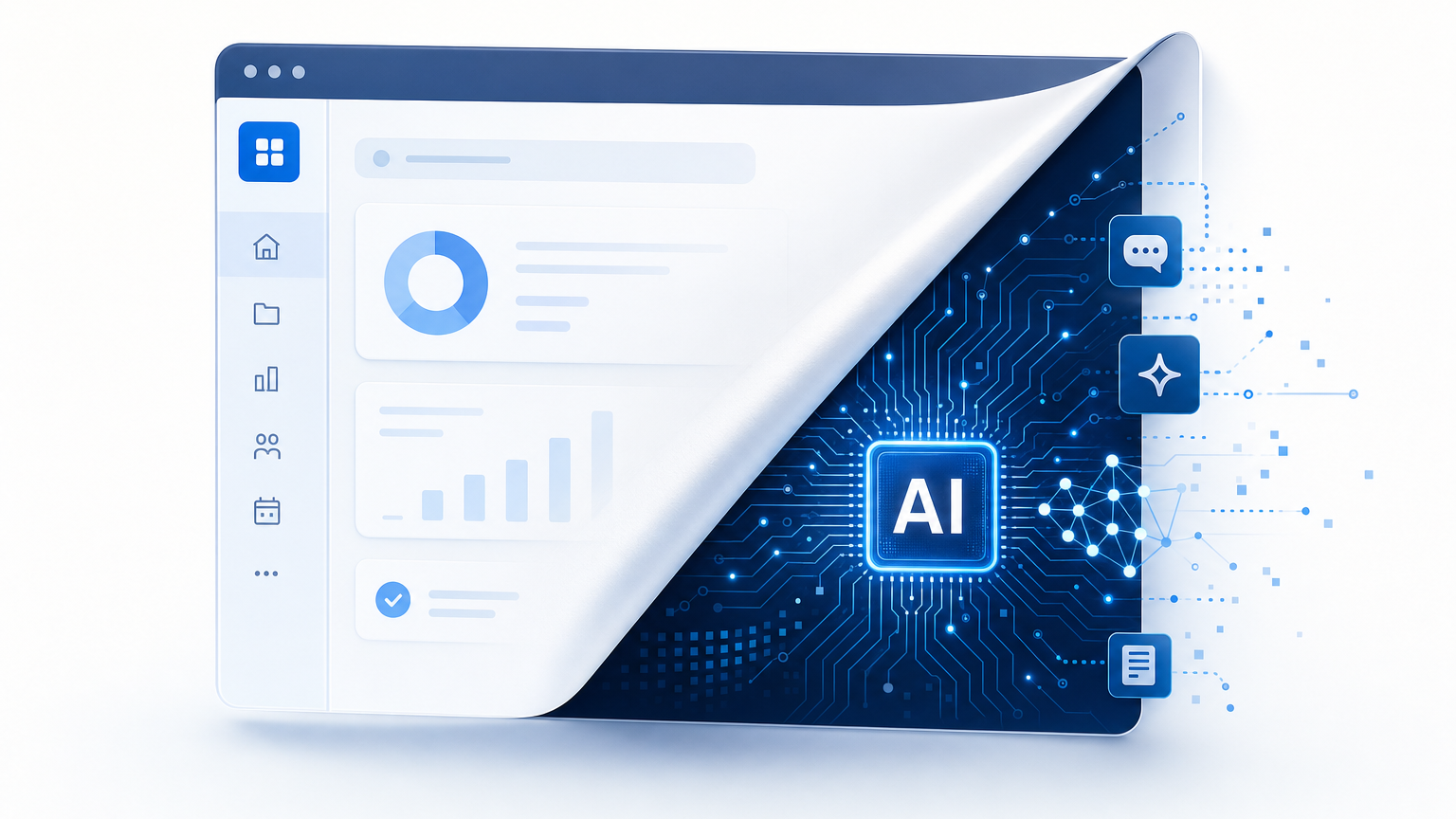
Shadow AI Is Arriving Through Software You Already Own

Enterprise teams spent years approving the applications that run finance, collaboration, customer records, and operations. Those reviews captured a product as it looked on the purchase date. Since then, the same vendors have shipped assistants, summarizers, and copilots into those products through ordinary release cycles. The software still carries the same brand name on the contract. The work it can perform on corporate data has changed.
That pattern is what many teams now label shadow AI: artificial intelligence (AI) capability that shows up inside approved, installed software rather than as a separate tool someone bought on a credit card. Governance starts when the organization can name which applications are installed, who owns each one, and what each application’s AI settings currently do.
The stakes sit in familiar places. Data handling rules change when a feature sends content to a model endpoint. Contract terms and sub-processor lists move with product updates. License tiers and unit costs shift when AI is bundled into an existing plan. Security and compliance still need a human who can answer for the setting. None of that work begins with a new AI committee charter. It begins with an application inventory and an owner-led review of AI settings.
How AI Enters Software You Already Own
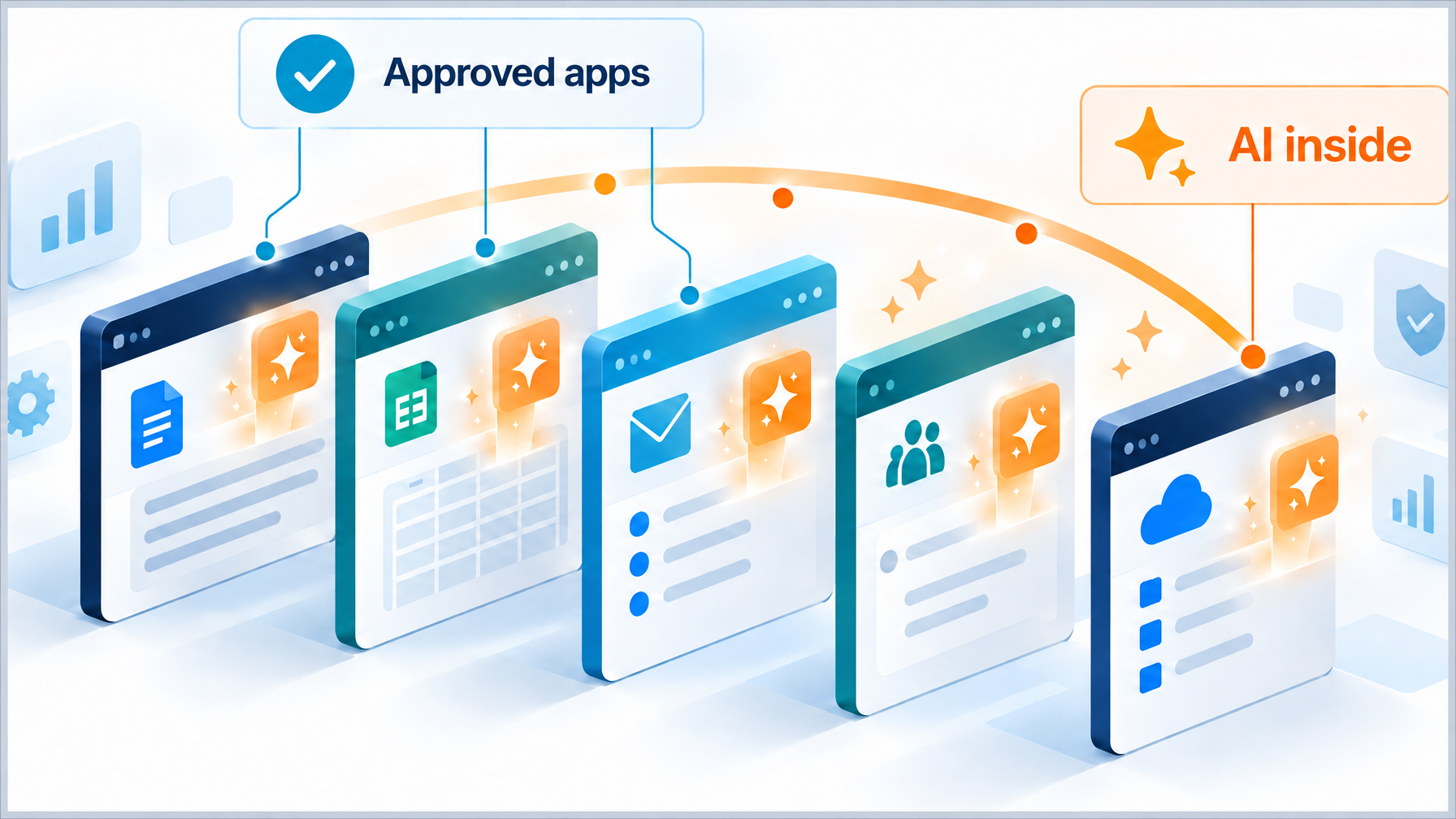
Vendors add AI through the same channels they already use for feature delivery: major releases, monthly tenant updates, and plan redesigns. Assistants appear in the apps people open every day. Summarization and drafting tools sit next to documents and tickets. Copilots attach to the productivity suite that already holds mail, files, and meetings.
Public product roadmaps show how fast this landed in products enterprises already license. Microsoft documented Microsoft 365 Copilot as an AI layer that works across Word, Excel, PowerPoint, Outlook, Teams, and related Microsoft 365 services, grounded in the organization’s Microsoft Graph content under the tenant’s existing access controls. Microsoft also marked Copilot as generally available for enterprise customers, which moved the capability from preview talk into production license conversations.
Google took a parallel path inside Workspace. In January 2025, Google announced that Gemini for Workspace would be included in Business and Enterprise plans without a separate AI add-on purchase for those tiers. Earlier, Google extended Gemini access to more customer segments, which broadened who could turn the features on inside mail, docs, and meetings. The practical effect for IT is straightforward: AI controls live inside admin consoles for software the company already pays for.
Salesforce followed the same pattern in customer platforms. In March 2023, Salesforce announced Einstein GPT as generative AI built into the Salesforce portfolio. Later that year, it published Sales GPT and Service GPT general availability and pricing, which placed generative features inside sales and service workflows that many enterprises had already standardized on.
Defaults matter as much as the feature list. Some tenants receive AI options switched off until an admin enables them. Others surface prompts that invite end users to try a new assistant. Opt-in and opt-out paths differ by vendor, by edition, and sometimes by geography. Plan packaging changes the economics: a feature that once required a separate SKU can move into the base tier, which changes both cost and the number of people who can reach it. Release notes, admin center change logs, and license portals are where those shifts show up first.
Why Point-in-Time Approval Leaves a Gap
Procurement and security review capture the product as it existed on the review date. Questionnaires, architecture diagrams, and data-flow diagrams freeze a moment in time. Vendor engineering continues after that moment. A feature that did not exist at signature can process ticket text, file contents, or customer fields after a routine update.
Data processing terms and sub-processor lists can move with those releases. Legal teams often learn about the change through a vendor notice, a portal update, or a renewal packet. Review calendars that only open at renewal trail the vendor’s release calendar by months. By the time the renewal meeting starts, the application may already have been running AI features for a full cycle of business activity.
The gap shows up in day-to-day operations. Security still owns risk acceptance for data and access. Procurement still owns commercial terms and vendor notices. Application owners still own day-to-day configuration in each tenant. Without a shared list of installed applications and a named owner for each one, those three groups lack a common object to review. Shadow AI grows in that space between the original approval record and the live tenant settings.
What an Application Inventory Gives Governance
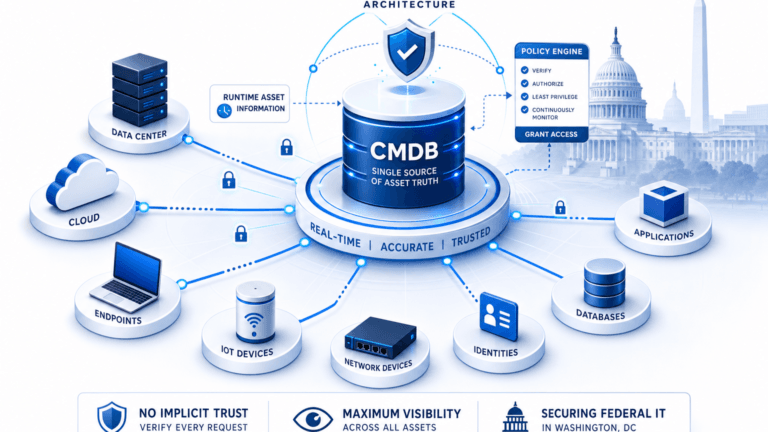
A current list of installed applications and versions gives security, IT asset management, and compliance the same starting point. The inventory answers basic questions before anyone debates model risk: which products run in the estate, which versions are present, and where those installs sit across devices and servers.
Ownership records name the person who answers for each application. Lifecycle and contract fields show which vendors renew first and which products hold regulated or customer data. That ordering decides the review queue. Teams that start with the highest-sensitivity and highest-user-count applications finish the first pass with decisions that matter, instead of a long list with no priority.
Inventory freshness depends on discovery cadence. A sheet updated once a year drifts away from what endpoints and cloud tenants actually run. Scheduled discovery and reconciliation keep the application list close enough to reality that an AI-settings review has something trustworthy to attach to. Cadence belongs in policy the same way ownership does: state how often the inventory refreshes, who receives exceptions, and how a new install enters the list.
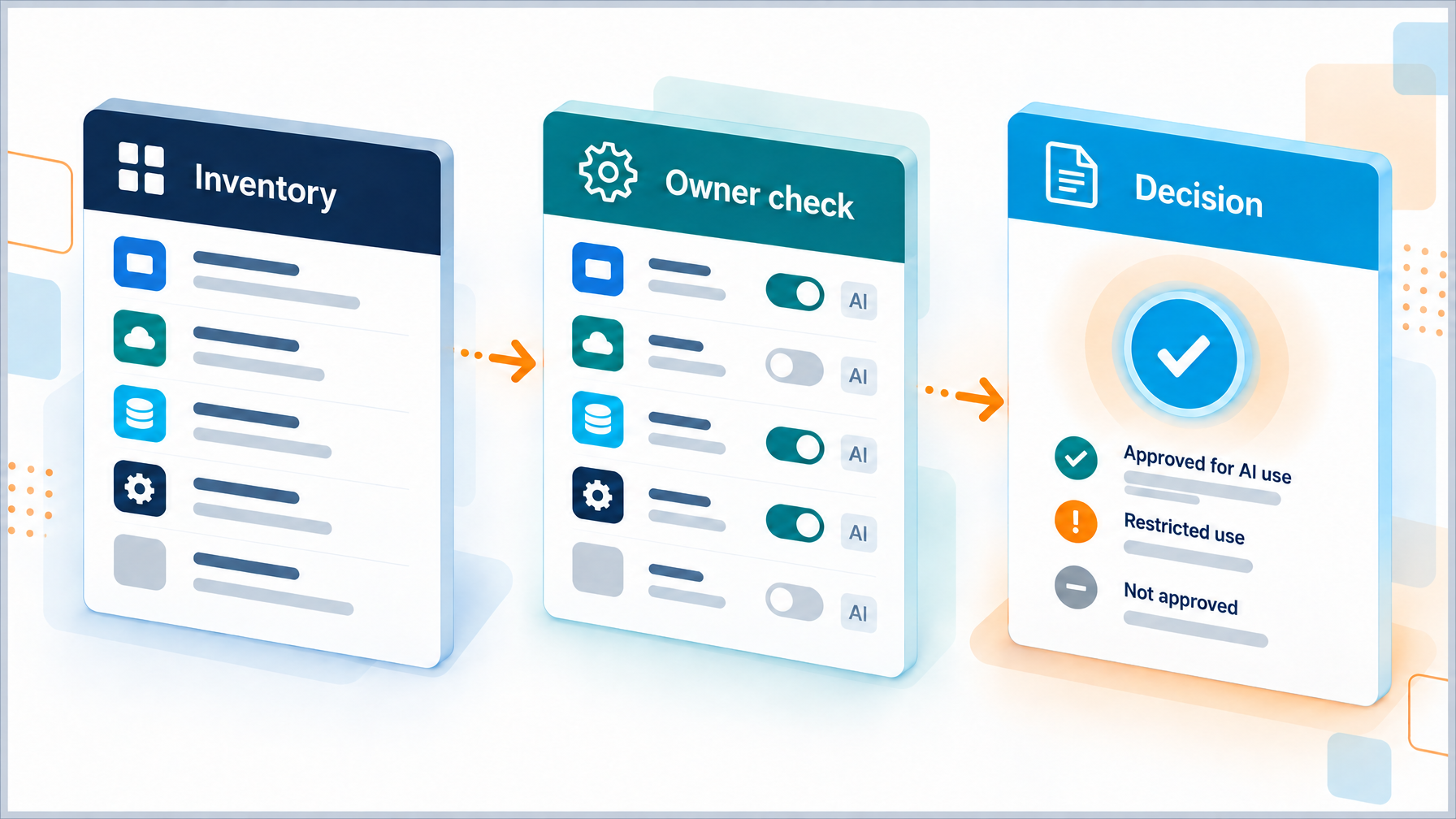
With that foundation, governance work becomes concrete. Each application row can carry an AI review date, a settings state, and a decision. The inventory becomes the index for the operating model described later in this article.
What does an application inventory need before AI settings can be governed?
Governance needs installed application names and versions, a named owner per application, vendor and contract context, and a stated discovery cadence so the list stays current enough for security, IT asset management, and compliance to share one review queue.
What Owners Check in Each Application’s AI Settings
Application owners run a short, repeatable check against vendor release notes and the admin console. The check stays useful when it stays specific.
- Feature presence: Confirm whether the installed version or tenant edition includes an AI feature, using the vendor’s release notes or product documentation.
- Enablement state: Record whether the feature is on, off, or partially enabled, and who changed the setting.
- Data scope: Document which content the feature can read or generate, which systems it connects to, and which data classification labels apply.
- Processing location and terms: Capture where processing occurs under the current data processing terms, and note any new sub-processors or model providers named by the vendor.
- License and cost impact: Check whether enabling the feature changes the license tier, seat count, consumption meters, or renewal price.
- Ongoing reviewer: Name the human who will re-check the setting after the next major release or renewal trigger.
One line per application in a shared register is enough for the first program. The register should show the check date, the settings state, the decision (accept, restrict, disable, or escalate), and the next review trigger. Owners who cannot answer a line escalate to security or procurement with the vendor evidence attached.
This checklist stays deliberately narrow on purpose. It leaves full model-risk assessment for custom-built systems to specialized review tracks. It covers the common case: AI features arriving inside software the enterprise already owns and runs.
An Operating Model for the Review
Roles stay clear when each group owns a slice of the work.
- Application owner runs the settings check, records the decision, and keeps the register current for that product.
- IT asset management maintains the installed-software inventory, ownership fields, and version evidence.
- Security reviews data handling, access paths, and residual risk when the owner escalates.
- Procurement owns commercial terms, change notices, and renewal language on AI features.
- Compliance maps the register to regulatory obligations and internal policy.
Clear triggers keep the operating model moving. Major vendor releases, public new-feature announcements, and contract renewals each open a review. Cadence ties to two clocks: the inventory refresh schedule and the vendor release calendar. A quarterly inventory pass that ignores a monthly tenant update will miss enablement changes. A release watch that ignores ownership data will create tickets with no assignee.
The record is one entry per application. Minimum fields: application name, version or edition, owner, vendor, data categories handled, AI feature state, check date, decision, and next trigger. Teams that already run configuration or asset records can extend those objects rather than invent a parallel spreadsheet culture.
Frameworks help map the process without inventing vocabulary from scratch. The NIST AI Risk Management Framework (AI RMF 1.0) organizes trustworthy AI work around Govern, Map, Measure, and Manage functions, which line up cleanly with inventory (Map), settings checks (Measure), owner decisions (Manage), and named accountability (Govern). NIST published the AI RMF 1.0 for voluntary use by organizations that design, deploy, or use AI systems. For management-system structure, ISO/IEC 42001 specifies requirements for establishing and continually improving an AI management system, which gives audit-minded teams a familiar plan-do-check-act shape for policies, roles, and continuous improvement.
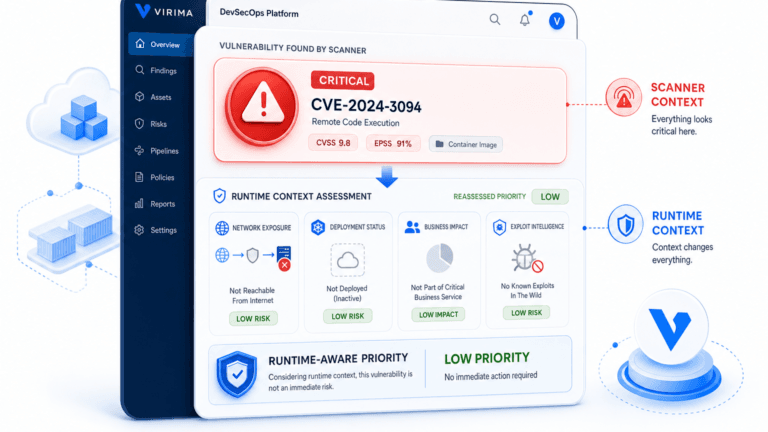
Teams that want a deeper view of how discovery-sourced inventory supports governed operations can start with Virima’s framing of Trusted Runtime Truth as live, explainable context across what exists, how it connects, and who owns it.
Where the Industry Is Heading
Vendor transparency is improving in three places buyers can inspect: release notes that name AI features explicitly, admin controls that expose enablement switches, and AI-specific data terms in trust centers. Buyers who ask for those artifacts during renewals raise the floor for everyone on the same platform.
Buyer expectations are moving into contract language. Change-notice clauses, AI feature schedules, and requirements to disclose new model providers appear more often in enterprise paper. Procurement teams that treat AI enablement as a configuration event, similar to a major module turn-on, get earlier warning than teams that wait for the annual business review.
Regulatory direction points toward inventories and accountability. The European Commission summarizes the EU AI Act regulatory framework as a risk-based approach to AI placed on the EU market. The consolidated act text is available through independent reference sites that mirror Regulation (EU) 2024/1689. Even organizations outside the EU feel the operational pull: customers and partners increasingly ask which AI features run on their data and who approved them.
A mature program twelve months from now looks plain on paper. The application inventory is current on a stated cadence. Every high-sensitivity application has a named owner. AI settings checks are recorded with dates and decisions. Renewals include an AI feature agenda item. Security and compliance can produce the register on request without a multi-week scavenger hunt.
Deloitte’s 2026 Global Software Industry Outlook cites industry analyst expectations that a large share of enterprise applications will carry task-specific AI agents inside existing software surfaces. That direction matches what buyers already see in productivity, CRM, and collaboration suites: AI arrives as a feature of software already on the approved list.
What does a mature shadow AI review program look like after twelve months?
A mature program keeps a current application inventory on a stated cadence, names an owner for every high-sensitivity application, records AI settings checks with dates and decisions, and puts AI feature review on the standing vendor renewal agenda.
Where to Start This Quarter
Start with the applications that handle the most sensitive data and the largest user populations. Collaboration suites, CRM, IT service tools, HR systems, and finance platforms usually head that list. Assign an owner to every application that lacks one before you debate model policy. An unowned application cannot complete an AI settings check.
Run the six-point check on that first group. Record enablement state, data scope, terms, cost impact, and the named ongoing reviewer. Add the same check to the standing vendor review calendar so renewals and major releases reopen the register automatically.
Share the checklist with application owners, security, procurement, and compliance in one short working session. Agree on the register fields and the escalation path when an owner cannot verify a setting. Keep the first quarter scope small enough to finish. A complete register for twenty critical applications beats an empty framework for two hundred.
Virima’s discovery and IT asset management capabilities provide installed-software and ownership inventory across devices and servers on a scheduled discovery cadence, which gives this review a durable list to work from. For how Virima is framing trusted runtime truth with CIOs and platform owners this fall, see the company note that Virima will bring Trusted Runtime Truth to Gartner IT Symposium/Xpo 2026.
If you will be on the floor in Orlando, come see us at Booth 151. Bring the applications that hold your most sensitive data, and we can walk the inventory-and-owner path that turns shadow AI from an unknown into a recorded decision.
Virima at Gartner IT Symposium/Xpo 2026 | Booth 151FAQ
What is shadow AI?
In this article, shadow AI means artificial intelligence features that arrive inside approved, installed enterprise software through vendor updates, plan changes, or admin defaults. The application already cleared procurement and security at purchase. The AI capability showed up later inside that same product.
How does AI get into software we already license?
Vendors ship assistants, summarization, and copilots through normal release channels. Plan redesigns can bundle AI into existing tiers. Admin defaults and opt-in prompts decide whether the feature is active for users. Release notes and admin consoles are the primary places to confirm what changed.
Who is accountable for AI settings in an installed application?
The application owner is accountable for the settings check and the recorded decision. Security and compliance act as reviewers on escalations and policy fit. Procurement owns commercial terms and change-notice language. IT asset management keeps the installed software and ownership inventory current.
How often should the AI settings review repeat?
Repeat the review when the vendor ships a major release, when the contract renews, when a new AI feature is announced for that product, and on the same cadence as the application inventory refresh. Those triggers keep the register aligned with both the vendor calendar and the estate inventory.
What belongs in the first application inventory for this program?
Capture application name, version or edition, named owner, vendor, data categories handled, current AI feature state, last review date, decision, and next review trigger. Start with high-sensitivity and high-user-count applications before expanding the register.
Which frameworks apply to shadow AI in approved software?
The NIST AI Risk Management Framework provides Govern, Map, Measure, and Manage functions that map to ownership, inventory, settings checks, and decisions. ISO/IEC 42001 provides AI management system requirements for policy, roles, and continual improvement. The EU AI Act sets a risk-based regulatory framework for AI placed on the EU market. Treat those frameworks as process maps for roles and controls, and keep the day-to-day work on the application register.