
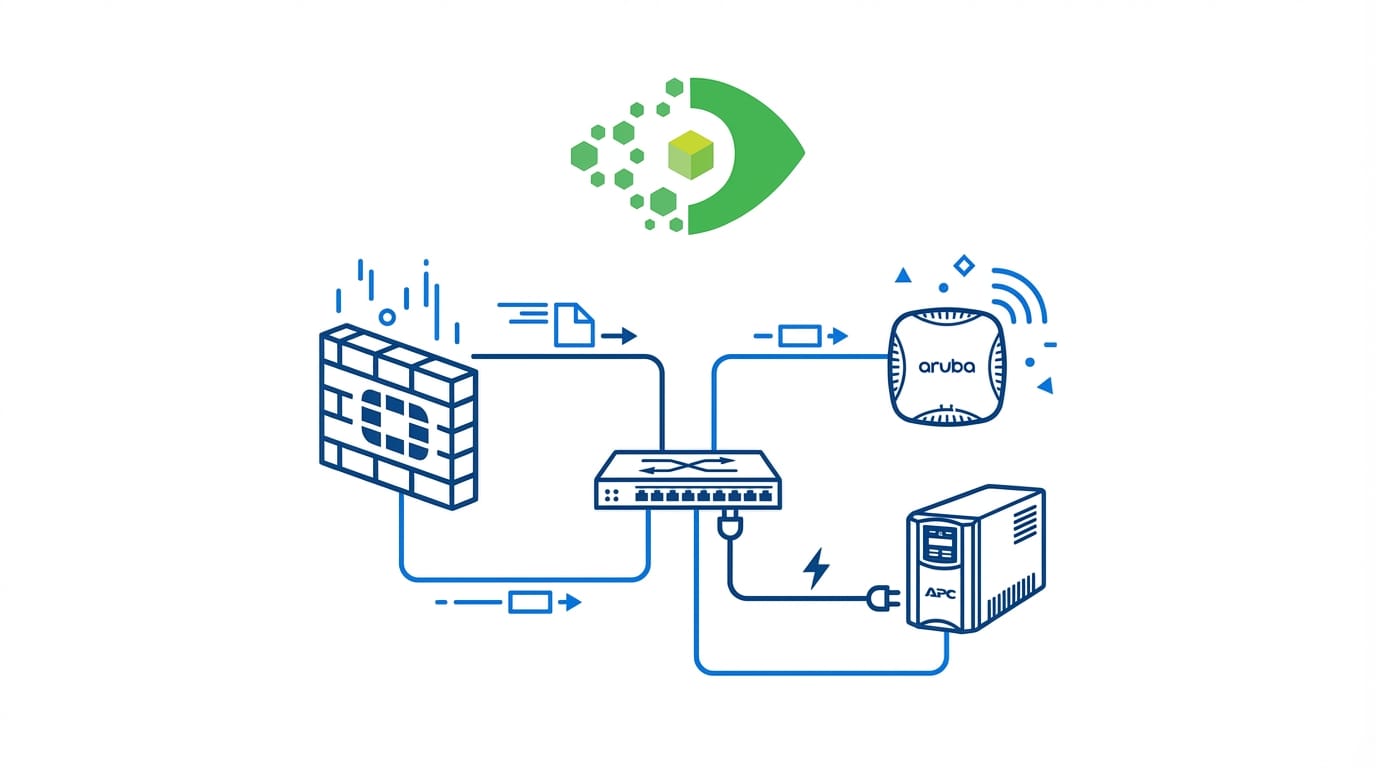
Fortinet, Aruba, and APC UPS Discovery: Closing the Network Device CMDB Gap

Enterprise networks run Fortinet firewalls, Aruba wireless access points, and APC UPS devices as standard infrastructure. Most CMDBs do not capture any of them because discovery tools historically focused on Windows servers and Cisco switches. Each missing device class creates a specific gap: no Fortinet means no firewall CIs in service maps, no Aruba means no wireless infrastructure in change impact analysis, no APC means no power dependencies. Virima 6.1.1 adds native discovery support for all three, plus improvements to access point classification and network interface mapping.
The fragmented enterprise network
Walk into any enterprise data center or IDF closet and you will find gear from at least three or four different vendors. Cisco handles core switching. Fortinet or a similar next-generation firewall vendor handles perimeter and internal segmentation security. Aruba or another Wi-Fi vendor handles wireless access. APC or Eaton handles uninterruptible power.
This multi-vendor reality reflects normal procurement decisions over time — different vendors win different bids, different teams own different infrastructure layers, and the result is a heterogeneous network with no single vendor’s management pane covering everything.
The CMDB is supposed to bridge this fragmentation. It is where IT teams track all configuration items, their attributes, and their relationships — regardless of vendor. But in practice, most CMDBs contain only the devices that discovery tools natively support.
The result of gaps in network device discovery
These are not edge cases. Fortinet holds a significant share of the enterprise firewall market. Aruba (HPE) is a leading wireless infrastructure vendor. APC by Schneider Electric powers a majority of enterprise data center UPS infrastructure. When these devices do not appear in the CMDB, the database is incomplete by design.
For a full breakdown of how network device discovery protocols work across your whole estate — and the six failure modes behind most CMDB gaps — see our complete guide.
Fortinet: security infrastructure as a CMDB citizen
Fortinet FortiGate firewalls are perimeter and internal security devices that every enterprise IT team manages — but few IT teams track in their CMDB. The typical workaround is to maintain firewall inventory separately in a spreadsheet or the Fortinet management console, decoupled from the broader CMDB.
This decoupling creates a specific blind spot in service dependency mapping. Every application service that traverses a firewall has the firewall as an infrastructure dependency. Without the firewall CI in the CMDB, service maps are incomplete. A change request for a firewall rule update has no CI to attach to, no impact map to generate, and no relationship to the services it protects.
What Fortinet discovery captures in the CMDB
- Device model and product line — FortiGate 60F, 100F, 200F, and other chassis variants
- Chassis serial number — the key identifier for support contracts and RMA tracking
- FortiOS firmware version — critical for vulnerability management and compliance
- Network interface inventory — WAN, LAN, DMZ, and internal zone port assignments
- Management IP and hostname — for CI identification and re-discovery targeting
- HA cluster role — active or passive in a high-availability pair
With Fortinet CIs in the CMDB, a change to firewall firmware carries an accurate impact map: which network segments the firewall protects, which servers sit behind those segments, and which services run on those servers. That chain of relationships is only visible when the firewall exists as a CMDB CI.
Discovery protocol
Fortinet devices support SNMP (v2c and v3), which is the most reliable method for initial asset discovery. SNMP polling captures device identity, model, and serial number from standard MIBs. FortiGate also exposes a REST API for richer data including interface configurations and policy information, which can supplement initial SNMP discovery.
Aruba: wireless access points and interface mapping
Aruba (HPE) wireless access points are in almost every enterprise office, campus, and branch location. From a service delivery standpoint, they are as critical as switches — when an AP cluster fails, an entire office floor loses wireless connectivity.
Yet wireless infrastructure is absent from most CMDBs. Discovery tools that scan network ranges find APs only if they appear as distinct managed hosts — which they do only when they have management IPs, SNMP communities configured, and the discovery platform includes a matching classification blueprint.
What Aruba AP discovery captures
- Model identification — AP model number (Aruba 505, 535, 655 series) for lifecycle and refresh tracking
- Network interface inventory — wired Ethernet uplink port and wireless radio interfaces (2.4 GHz, 5 GHz, 6 GHz where applicable)
- Management IP and hostname — for CI identification
- Controller association — which Aruba controller or cloud gateway manages this AP
- MAC address — unique hardware identifier for switch port mapping
Why model identification matters
Model identification matters for lifecycle management. An AP CI without a model number is a half-populated record — it tells you an access point exists but does not tell you its capabilities, its end-of-support date, or its replacement cost. Accurate model data comes from the SNMP sysDescr and entPhysicalTable MIBs, which Aruba APs populate with vendor-specific product strings.
Why interface mapping matters
Interface mapping matters for service dependency. An AP that maps its wired uplink interface to a specific switch port enables a relationship chain: service depends on wireless network, wireless network depends on AP, AP connects to switch port, switch port belongs to switch, switch sits in rack, rack connects to UPS. That full chain is only traceable when each node — including the AP — is a CMDB CI with populated interface data. For a broader view of how these relationships roll up visually, see network topology mapping.
APC UPS: power infrastructure and serial number capture
APC Uninterruptible Power Supplies protect every critical IT asset that cannot tolerate power loss. They sit in server rooms, IDFs, MDFs, and data centers — and they are the most frequently overlooked CMDB asset class in enterprise IT.
The reason: UPS devices do not participate in network traffic. They do not respond to TCP port scans. They do not run SSH. Without a Network Management Card (NMC) installed and configured, they are invisible to most discovery tools.
When a UPS does have an NMC installed, it exposes SNMP — and SNMP discovery captures the data that matters.
What APC UPS discovery captures
- UPS model and product description — SmartUPS, Symmetra, Galaxy, and other product lines
- Chassis serial number — the critical identifier for warranty registration, battery replacement contracts, and support cases
- Battery status — charge percentage, estimated runtime, and battery replacement indicator
- Input/output voltage and load — operational health metrics
- NMC firmware version — for vulnerability tracking
- Management IP — for CI targeting and re-discovery
Why serial numbers matter
APC offers battery replacement contracts and extended warranties tied to chassis serial numbers. An IT team that cannot provide the serial number of a failed UPS opens a support ticket blind — the vendor cannot verify warranty coverage, the team cannot prove the device is under contract, and the resolution takes longer. A CMDB CI with the serial number resolves this in seconds.
Power dependency mapping
When UPS CIs exist in the CMDB with physical relationships to the servers, switches, and other devices they protect, power failure scenarios become modelable. A UPS failure maps to every CI connected to it — giving the change management team a pre-built impact list for planned maintenance windows.
Access point classification: getting it right
A recurring data collection and data quality challenge in enterprise configuration management database (CMDB) environments is that access points are often misclassified as generic “Network Devices” instead of being correctly identified as “Access Points.”
This issue commonly arises due to limitations in automation tools used for real-time discovery. Many management tools rely on broad, catch-all classification logic—if a network connected device responds to SNMP and exposes a network interface, it is automatically grouped under a generic network device category.
As a result, even properly discovered devices like Cisco Aironet access points—despite having distinct roles within the network—are inaccurately categorized. These devices run specific operating systems and include identifiable hardware and software characteristics, but without deeper inspection, those attributes are ignored.
This misclassification directly impacts asset inventory accuracy and prevents CMDB systems from effectively discovering and mapping infrastructure relationships. Over time, this reduces the reliability of the CMDB as a source of truth for IT operations and decision-making.
Why classification matters
The CI class determines:
- Which blueprint applies — what attributes to populate on the CI record
- Which relationship types are available — wired-to-controller, wireless-serves-floor, and similar AP-specific links
- How the CI appears in filtered CMDB views and reports — whether “Access Points” returns results or zero
- How service mapping treats the device — as wireless infrastructure or as a generic network node
Classification outcomes compared
An access point classified as a generic network device gets a network device blueprint — which captures interfaces and IP addresses but misses the AP-specific attributes: wireless radio count, channel configuration, associated controller, and covered floor area. Reports that filter for “Access Points” return zero results even when dozens of APs are in the CMDB.
Correct classification — assigning Cisco Aironet, Aruba, and other AP models to the Access Point CI class — ensures that each AP gets the right blueprint, the right attribute set, and the right place in relationship maps.
Virima 6.1.1 addresses this specifically, ensuring Cisco Aironet devices are classified as Access Points rather than generic network devices, with accurate model identification and network interface mapping.
The impact on CMDB completeness and infrastructure risk assessment
CMDB completeness is a measurable metric. A common formula: CI count discovered automatically divided by CI count expected from physical inventory. When Fortinet firewalls, Aruba APs, and APC UPS devices all appear in the CMDB, completeness scores improve — and so does the reliability of every process that depends on CMDB data.
Change management
Change risk assessments reference the CMDB to identify what a proposed change affects. Missing CIs mean underestimated risk. A firewall firmware update with no firewall CI in the CMDB produces a change record with no impacted services identified — a false low-risk assessment. For the full picture of how CMDB supports change management, the dependency data has to be there first.
Incident management
When an outage occurs, incident responders use the CMDB to identify affected CIs and trace root cause. A missing UPS CI means power failure root cause analysis starts from scratch, without the dependency chain that would have immediately pointed to the failed UPS. Teams looking at five ways to improve incident management consistently land on the same prerequisite: complete CI coverage.
Audit and compliance
Hardware audits require serial numbers. Software audits require device counts. Both fail when device classes are systematically absent from the CMDB.
Vendor contract management
Warranty and support contracts attach to serial numbers. UPS battery replacement contracts, fortinet aruba apc cmdb discoveryfirewall support agreements, and wireless infrastructure service contracts all require accurate serial number records — which require discovery.
For further reading on building a discovery-driven CMDB, see ServiceNow discovery: is it right for you? on the Virima blog.
Closing the multi-vendor discovery gap
Enterprise networks run Fortinet, Aruba, and APC infrastructure as standard cmdb network device discovery equipment. When these device classes are absent from the CMDB, every process that relies on CMDB data — change management, incident response, audit, and service mapping — operates on an incomplete picture.
The fix is targeted discovery support:
- Fortinet firewalls — SNMP-based discovery capturing model, serial number, and interface data
- Aruba APs — SNMP-based discovery with model identification and fortinet aruba apc cmdb discovery interface mapping
- APC UPS devices — SNMP-based discovery with serial number and battery status capture
- Access point classification — correct CI class assignment for Cisco Aironet and other AP models
Virima 6.1.1 adds native discovery coverage for all of these device types, multi-vendor network discovery closing the multi-vendor network device gap that leaves enterprise CMDBs incomplete.
See what your full network device inventory looks like in Virima. Schedule a demo at virima.com to explore network device discovery with your own environment.





