
Does Virima Discover macOS, Linux, and Windows Devices? A Complete OS Support Guide

Does Virima discover macOS, Linux, and Windows devices? A complete Virima OS discovery guide
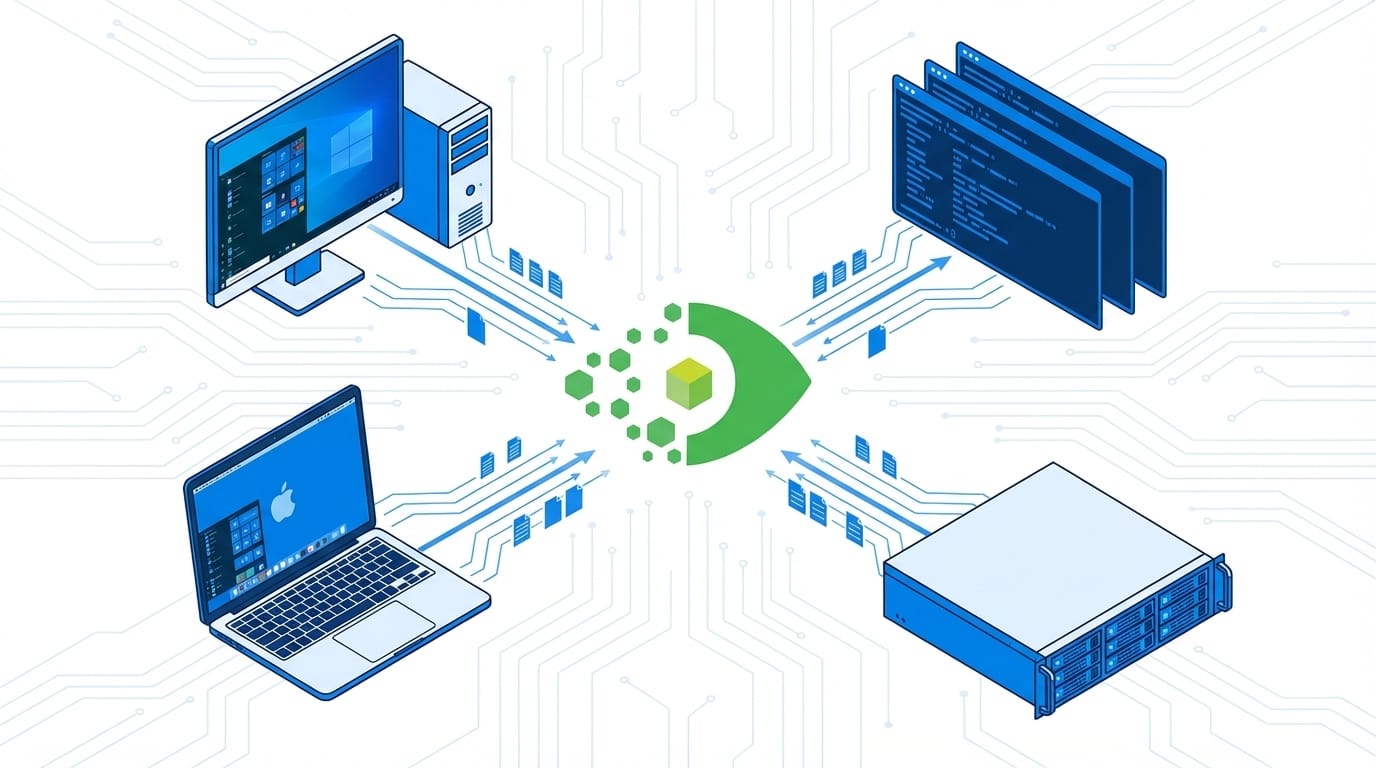
Virima 6.1.1 expands endpoint discovery across all three major operating system families. This FAQ walks through Virima’s macOS, Linux, and Windows discovery coverage — what gets captured on each OS, how Virima handles challenging environments (locked-down Linux, Mac fleets, Windows software exports), and the complete OS support picture.
Does Virima support macOS discovery?
Yes. Virima supports macOS discovery via SSH and uses a dedicated macOS CI type — separate from the generic Computer CI class — to ensure accurate, blueprint-driven data collection. Discovery connects to each Mac via SSH using a service account with read access, then runs macOS-specific commands to collect hardware, software, and user session data. The dedicated CI type means macOS CIs carry the correct attribute set for Mac hardware, rather than a Windows-aligned blueprint that leaves Mac-specific fields empty.
What macOS data does Virima capture in the CMDB?
Virima captures the following data from macOS endpoints:
Table:
| Data category | What Virima collects |
| Hardware | Apple hardware serial number (from system_profiler), hardware model (e.g., MacBook Pro 16-inch 2023), CPU model and architecture (Intel or Apple Silicon M-series), total RAM, storage capacity |
| Operating system | macOS version (e.g., Sonoma 14.4), build number, kernel version |
| Software inventory | Installed applications from /Applications with name and version |
| User sessions | Last logged-in username, last login timestamp from last command output |
| Network interfaces | Active network adapters with IP addresses and MAC addresses |
| Security indicators | FileVault encryption status, System Integrity Protection (SIP) status |
The Apple hardware serial number is particularly important — it links the CI to Apple’s warranty verification system and any AppleCare or third-party support contracts.
Does Virima discover Linux servers?
Yes. Virima discovers Linux servers via SSH (agentless) and via a dedicated Linux agent for environments where SSH-based discovery is unavailable or restricted. Agentless CMDB discovery over SSH supports all major Linux distributions: Red Hat Enterprise Linux, CentOS, Ubuntu, Debian, Fedora, SUSE Linux Enterprise, and others that expose a standard SSH service. The discovery process reads OS identification from /etc/os-release, hardware data from standard Linux system files, and operational data from CLI commands.
What Linux data does Virima collect (disk, processes, logins)?
Virima 6.1.1 collects the following data categories from Linux endpoints:
Table:
| Data category | What Virima collects |
| Disk capacity | Total capacity, used space, and free space per mounted filesystem from df -h output |
| Last logged-in user | Username and timestamp of the most recent interactive session from last command |
| IP connections | Active and established network connections from ss -an |
| Listening processes | Processes bound to network ports (where permission allows) |
| Installed packages | Full package list with names and versions from rpm -qa (Red Hat/CentOS) or dpkg -l (Debian/Ubuntu) |
| OS details | Distribution name, version, and kernel version from /etc/os-release and uname -r |
| Hostname and domain | Short hostname and fully qualified domain name (FQDN) for accurate CI naming |
Does Virima support Linux discovery without sudo?
Yes. Virima 6.1.1 includes non-sudo fallback logic for Linux discovery. In environments where the SSH service account does not have sudo privileges — common in PCI-DSS compliant or CIS-hardened Linux environments — Virima runs a two-pass discovery sequence: first attempting commands that may require elevation, then substituting non-privileged alternatives for any command that fails due to permissions restrictions. Data collected without sudo includes disk usage (df -h), last login (last), active network connections (ss -an), and package inventory (rpm -qa / dpkg -l). Where elevated commands were unavailable, Virima flags the relevant CI fields as partially collected rather than silently populating empty values.
Can Virima install the Linux discovery agent remotely?
Yes. Virima 6.1.1 supports Linux agent installation directly from the Virima application interface, using existing SSH credentials to push the agent to target servers. This eliminates the need to manually distribute agent packages via configuration management tools like Ansible or Puppet. The workflow is: identify target Linux servers in the Virima UI, initiate agent installation using SSH credentials, and the agent installs, registers with the Virima platform, and begins discovery. The agent is the preferred discovery method for Linux servers in network segments that are inaccessible to the discovery scanner via SSH, or in environments where SSH service accounts are not permitted.
What Windows data does Virima discover?
Virima discovers Windows endpoints and servers using WMI (Windows Management Instrumentation) and WinRM (Windows Remote Management). Data collected includes:
Table:
| Data category | What Virima collects |
| Hardware | Manufacturer, model, CPU, RAM, BIOS version, chassis serial number |
| Operating system | Windows version, build number, edition, installation date |
| Software inventory | Installed applications from Windows Registry and Add/Remove Programs list |
| User sessions | Last logged-in user and login timestamp |
| Network interfaces | Adapters with IP addresses, MAC addresses, and connection status |
| Services | Running and stopped Windows services with service name and startup type |
| Processes | Running process list with process name, PID, and resource consumption |
| Patches | Installed Windows Update history with KB numbers and installation dates |
Does Virima support Windows software inventory export?
Yes. Virima captures the full installed software list from Windows endpoints as part of standard discovery and stores this data in the CMDB against each Computer CI. Software inventory is the basis for license compliance reporting — Virima can aggregate installed software counts across all Windows CIs to produce a per-title license utilization report. This data is exportable for use in software asset management (SAM) workflows, audit preparation, and vendor license true-up processes.
What operating systems does Virima discovery support?
Virima 6.1.1 delivers unified macOS, Linux, and Windows discovery across all three major OS families with the following coverage:
Table:
| Operating system | Discovery method | Key data captured | Notes |
| macOS (Sonoma, Ventura, Monterey, earlier) | SSH (agentless) | Apple serial number, hardware model, CPU/RAM, OS version, installed apps, last login, network interfaces, FileVault status | Dedicated macOS CI type; macOS-specific SSH commands; no agent required |
| Linux (RHEL, CentOS, Ubuntu, Debian, SUSE, Fedora) | SSH (agentless) or Linux agent | Distribution, version, kernel, disk capacity (total/used/free), last login, IP connections, listening processes, installed packages | Non-sudo fallback logic; agent available for SSH-inaccessible segments; agent deployable from Virima UI |
| Windows (Server 2016/2019/2022, Windows 10/11) | WMI / WinRM | Hardware specs, OS version, installed software, services, processes, patches, last login, network interfaces | Full software inventory for license compliance; patch history for vulnerability management |
Cover your full endpoint estate with unified Virima OS discovery
Virima 6.1.1 delivers accurate, blueprint-driven discovery for macOS, Linux, and Windows — covering the full enterprise endpoint estate in a single CMDB platform.
Schedule a demo at virima.com to see how Virima handles multi-OS discovery in environments like yours.





