
Who Owns That Lab Host? IT Asset Discovery for Silicon Valley Semiconductor and Hardware Labs
 Summarize with ChatGPT
 Summarize with Claude
Key Takeaways
- Lab inventory starts with agreed network ranges and engineering-approved scan windows.
- A host record needs confirmed operational ownership, even when discovery identifies the device.
- Unreachable devices and failed credentials require investigation before teams interpret scan coverage.
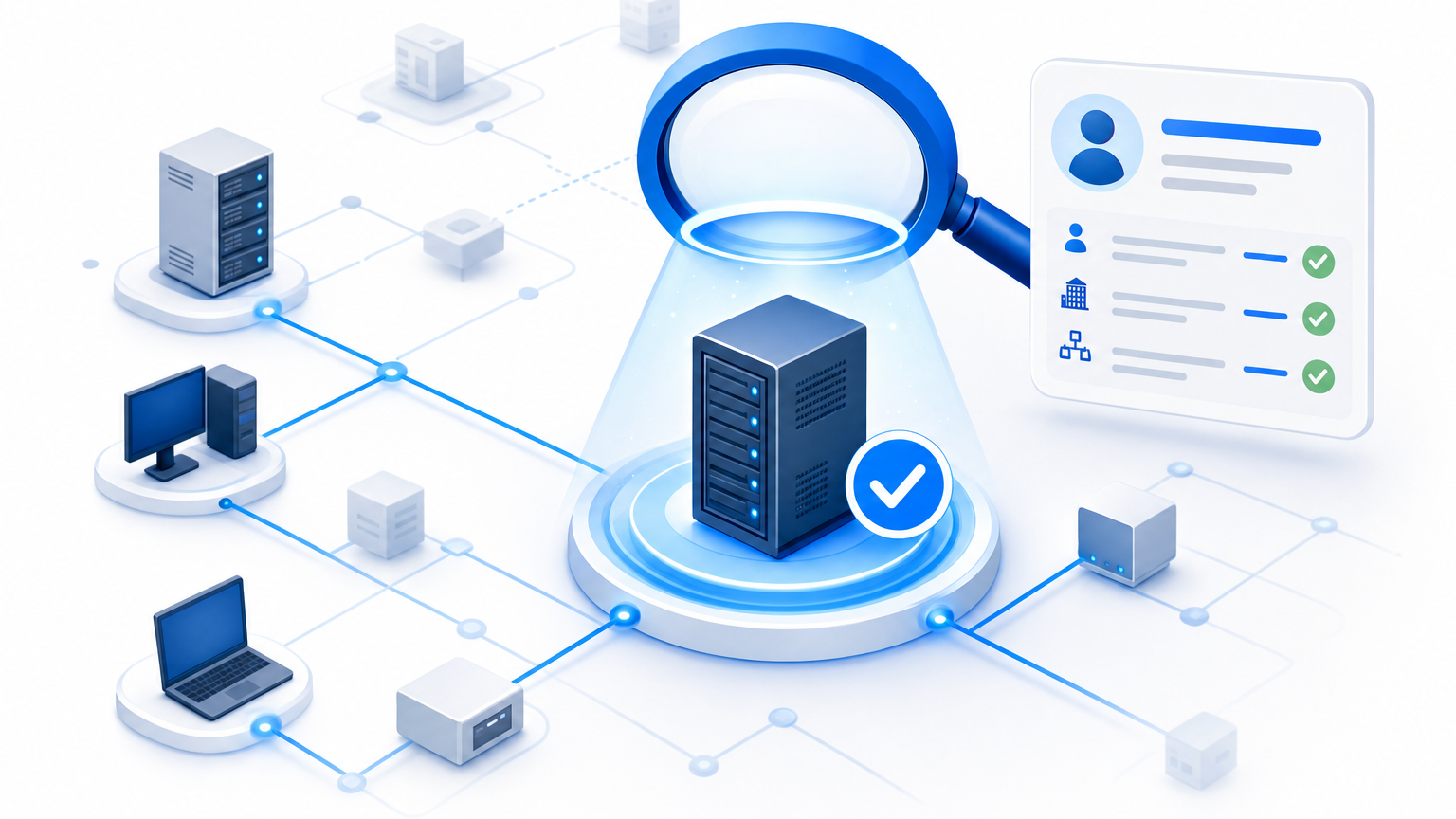
IT asset discovery for Silicon Valley engineering labs helps teams prepare for decisions involving hosts they may otherwise overlook. An incomplete record can leave responders searching for an owner while a change or incident is underway.
In 2023, Western Digital reported disconnecting systems and services from the public internet after a network security incident. Its factories remained operational, and its My Cloud service was restored on April 13.
The company did not attribute the incident to a lab inventory gap. Its response does illustrate a broader operational decision: teams may need to understand which systems sit behind the connections they change.
For an engineering lab, that preparation starts with the hosts, network ranges, and people responsible for keeping the work running.
Why IT Asset Discovery for Silicon Valley Engineering Labs Needs a Separate Scope
Engineering labs can contain equipment that follows a different lifecycle from standard corporate endpoints. A project team may establish its own test network, while central IT maintains the larger corporate inventory.
The environments below are examples of places to check. Their owners and lifetimes vary by organization.
| Lab environment | Typical purpose | Inventory question |
|---|---|---|
| Bring-up and validation rigs | Test boards, firmware, and early hardware configurations. | Which project owns the host after validation ends? |
| Build and electronic design automation compute | Run builds, simulations, or design workloads. | Who maintains the host and approves changes? |
| Bench workstations and network gear | Connect engineers, lab hosts, and shared resources. | Which ranges and devices belong in the shared record? |
Some equipment may move between projects or remain in service after its original requester leaves. A central record needs enough context to distinguish an active lab system from a device awaiting review.
This scope covers network-reachable hosts and supporting infrastructure in fabless design and hardware labs. Manufacturing equipment on a fabrication floor needs its own discovery and safety assessment.
Who Owns the Lab Host Nobody Filed?
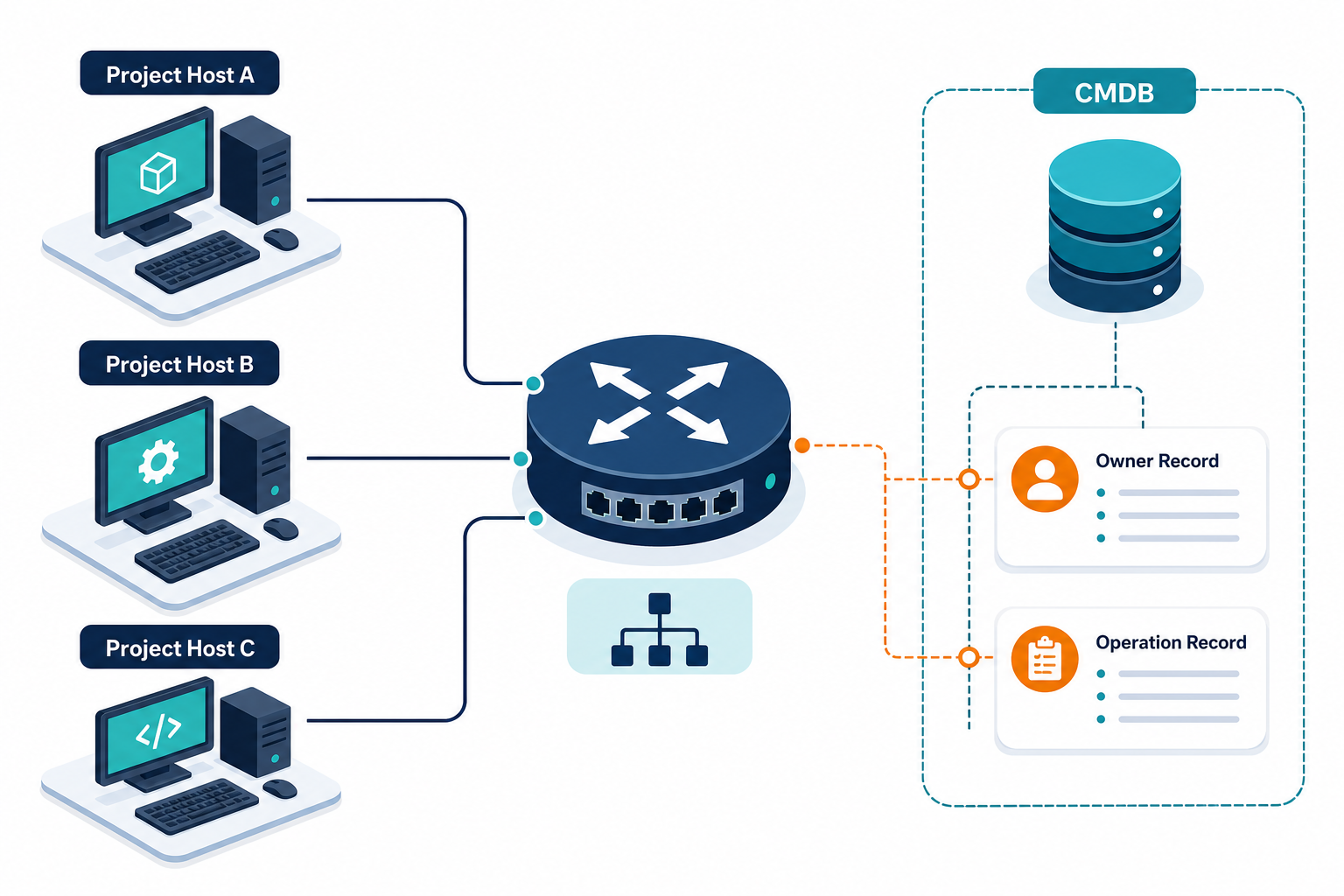
The person who requested a lab host may differ from the person who patches or retires it. Ownership should therefore identify responsibilities, rather than rely on a single name copied from a purchase record.
Start with the engineering lead for the project or the team using the network segment. Ask that person to confirm who approves changes and who can answer questions about the host.
A contractor may have configured the system without being its long-term owner. Similarly, a shared workstation may serve several projects while one infrastructure team maintains its operating system.
| Responsibility | Question for engineering and IT |
|---|---|
| Business or project owner | Which team needs this host to remain available? |
| Technical owner | Who maintains access, updates, and configuration? |
| Retirement approver | Who can confirm when the host is no longer needed? |
| Record owner | Who updates the shared inventory after that confirmation? |
A configuration management database, or CMDB, can store these answers alongside the host record. People still need to confirm them, especially when a project changes hands.
Scanning also needs an agreement with the people operating the lab. Engineering can identify sensitive equipment and acceptable windows; IT can document ranges, credentials, and the collection method.
What should a lab do when a host has no confirmed owner?
A lab should assign a temporary investigation owner when a host has no confirmed operational owner. That person can contact the network administrator and relevant project leads, record the evidence, and set a review date. The host should remain an exception until someone accepts responsibility or authorizes another action.
Five Ways a Lab Host Goes Missing From the Record
The NIST Cybersecurity Framework 2.0 core calls for organizations to maintain inventories of hardware they manage. A lab inventory needs a way to account for both devices and the ranges where teams expect to find them.
The challenge extends beyond labs. In a 2026 ITAM report sponsored by Virima, Enterprise Management Associates found that respondents identified siloed data, stale records, and undiscovered devices as discovery gaps. The survey covered 203 North American IT professionals at organizations with at least 1,000 employees.
Five record gaps deserve attention during a lab review:
- A project network never enters the discovery scope. An approved virtual local area network, or VLAN, may serve a team without appearing in central scan ranges. Result: Hosts on that segment can remain absent from the inventory.
- A returned contractor device remains in the register. The person leaves and returns a laptop, but the lifecycle record stays open. Result: The inventory can overstate equipment still in use.
- Evaluation hardware arrives outside normal purchasing. A vendor or partner lends equipment for a project. Result: IT may lack a record of its location, owner, or return date.
- A build host is cloned from an existing image. Its configuration resembles another machine, although it has a separate operating lifecycle. Result: A team needs reliable identifiers to distinguish the records.
- A server management interface appears separately. The management controller may have its own address and credentials. Result: Responders may see an interface without a confirmed link to its server.
A missing record and an unreachable device are different findings. Keep both visible during reconciliation so the team can decide what to investigate.
What IT Asset Discovery for Silicon Valley Engineering Labs Has to Reach
Discovery coverage begins with an agreed list of networks and systems. The team can then select collection methods for each reachable environment.
| Environment | Example collection method | Dependency or boundary |
|---|---|---|
| Linux and Unix hosts | Secure Shell (SSH, using approved credentials. | Network access and suitable credentials are needed. |
| Windows hosts | Windows Management Instrumentation, or WMI, or an installed agent. | Access and deployment permissions depend on the host. |
| Network devices | Simple Network Management Protocol, or SNMP. | Device configuration and access determine available details. |
| Virtual environments | Supported connector or application programming interface. | Confirm the platform, permissions, and connector scope. |
| Lab cloud accounts | Supported Amazon Web Services and Microsoft Azure integrations. | Account access and configured permissions limit collection. |
A network-reachable server management controller may also provide useful identity information. Confirm the supported controller interface and access method before including it in the scan plan.
Serial-only instruments and equipment outside the approved network scope need another inventory method. Engineering should identify those exceptions before IT interprets discovery results as coverage of the full lab.
The scan schedule should reflect the work taking place on each segment. A stable shared network might use one window, while an active validation environment needs a separately approved window.
After a cycle, review failed credentials and unreachable ranges alongside successful findings. An unsuccessful scan does not establish that a device has been removed.
How should teams interpret a failed lab discovery scan?
A failed lab discovery scan identifies a coverage exception that needs investigation. The team should record the affected range, failure time, and likely access issue, then arrange a retry with the lab owner. Retirement decisions require separate confirmation because a failed scan cannot establish whether equipment is present.
Where Virima Fits in a Lab Estate
Virima supports agentless and agent-based discovery, as well as supported API-based collection. The methods used in a lab depend on its network access, permissions, and approved scope.
Discovery data can feed Virima’s CMDB, where teams can reconcile information from multiple sources. A host record can then support conversations about ownership, configuration, and lifecycle status.
For lab teams, Trusted Runtime Truth connects the questions raised by a change: what exists, how it connects, what changed, what could be affected, and who owns it. The usefulness of those answers depends on the coverage and ownership information the team has established.
Explore how Trusted Runtime Truth supports operational decisions.
ViVID™ can build service dependency maps after the organization supplies its service definitions. A lab team can use those maps to examine relationships among discovered infrastructure and defined services.
Virima also supports integrations with selected IT service management tools. Review the available integration options against the tools and workflows your team uses.
Discovery does not decide who owns a host or authorize its retirement. Engineering and IT make those decisions, then maintain the corresponding record.
For specialized instruments, high-performance computing schedulers, or electronic design automation license servers, confirm coverage with the product team before adding them to a plan. A network scan should never be assumed to identify every function attached to a bench.
What One Maintained Lab Record Can Change
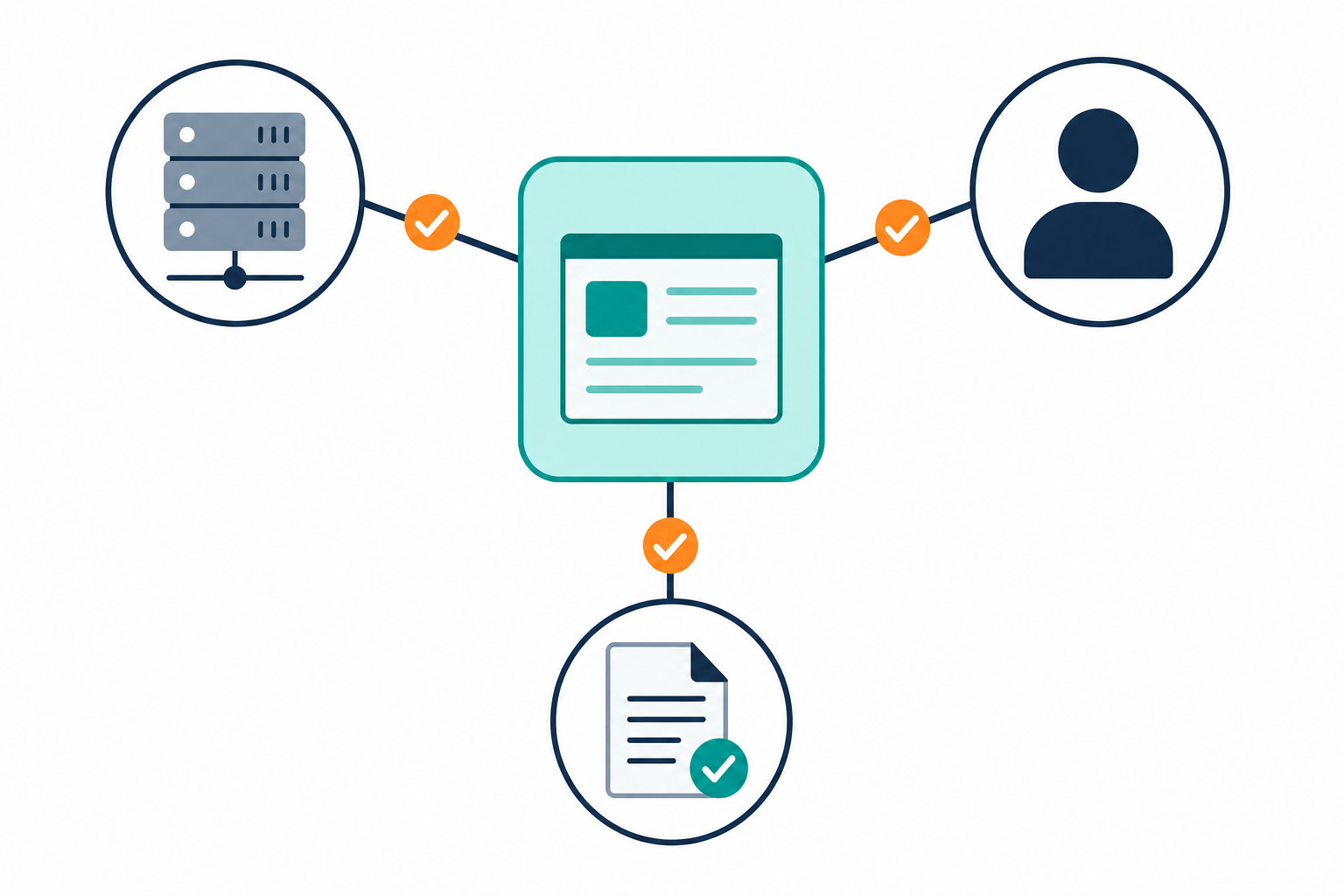
A useful record gives engineering, IT, and security teams a common starting point. It can show which hosts were observed during a scan and which records still need ownership confirmation.
Choose measures that reflect the scope the team has agreed to maintain:
- Ownership coverage: The share of in-scope lab hosts with a confirmed operational owner.
- Scan-window coverage: The share of expected hosts successfully observed during the agreed window.
- Open ownership exceptions: The number of host records awaiting an owner after a review cycle.
Define the denominator before reporting a percentage. A team cannot measure coverage against a network range it has not included in the scope.
Review the measures with engineering after each agreed cycle. Changes in coverage can prompt a discussion about access, project turnover, or equipment that requires another collection method.
What should accompany a lab asset coverage metric?
A lab asset coverage metric should include the approved network ranges, scan date, and known exclusions. Those details let reviewers interpret the number without assuming it covers every bench or instrument. The report should also identify failed scans separately from records awaiting ownership confirmation.
Lab Clinic: Six Questions to Settle Between Engineering and IT
Which VLANs belong in the first scope? Start with the ranges engineering can identify and approve. Record excluded segments and the person who can review them later.
Who approves each scan window? Name an engineering contact for each lab or project segment. Ask that contact to confirm timing before discovery begins.
Which hosts can use agents? Check host ownership, operating requirements, and deployment permission first. Use an agreed agentless method where that is more appropriate.
Who owns an exception? Assign a named person to investigate each failed scan or unconfirmed owner. Record the next review date and the evidence gathered.
When can a host be retired? The project or service owner should confirm that the host is no longer needed. The person responsible for lifecycle records can then update its status.
Who can see the shared record? Agree on access for engineering, IT, and security teams. Each group should be able to find the fields needed for its work.
See how Virima can support your lab inventory; schedule a demo.
Frequently Asked Questions
What is IT asset discovery for engineering labs?
IT asset discovery for engineering labs collects information about reachable hosts and network devices within an approved scope. Teams compare those findings with their inventory, then investigate differences and confirm ownership.
What lab assets can IT teams miss?
Teams can miss project build hosts, borrowed evaluation hardware, bench workstations, and server management interfaces. Devices outside approved scan ranges or without usable credentials require separate investigation.
How often should engineering labs run discovery scans?
Engineering and IT should set scan frequencies for each approved environment. Consider project activity, access constraints, and acceptable windows, then revisit the schedule when lab conditions change.
Can Virima identify the owner of a lab host?
Virima can maintain ownership information in a host record. Engineering and IT should confirm the responsible person or team, especially when discovery identifies a host without an established owner.
Can Virima map services used by a lab?
Virima can build ViVID™ service dependency maps after the organization provides service definitions. The resulting maps depend on the supplied definitions and the infrastructure information available through discovery.